

 1
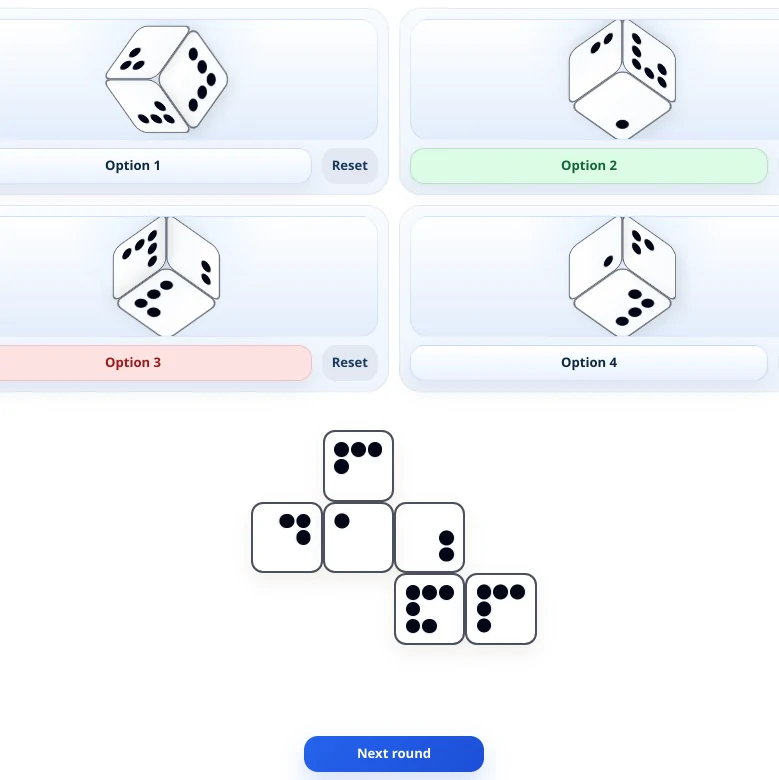
Cube Folding
Study an unfolded cube net and decide which 3D cube can be folded from it.
Try the free version of our FEAST Preparation Suite.
1Study an unfolded cube net and decide which 3D cube can be folded from it.
 2
Judge whether the requested shape is on the figure's left or right side as the perspective changes.
 3
Multi Pass preview where you classify each incoming strip into the box corresponding to the waypoint the aircraft is currently flying towards.
 4
Press CONFLICT if two aircraft are heading toward each other.
 5
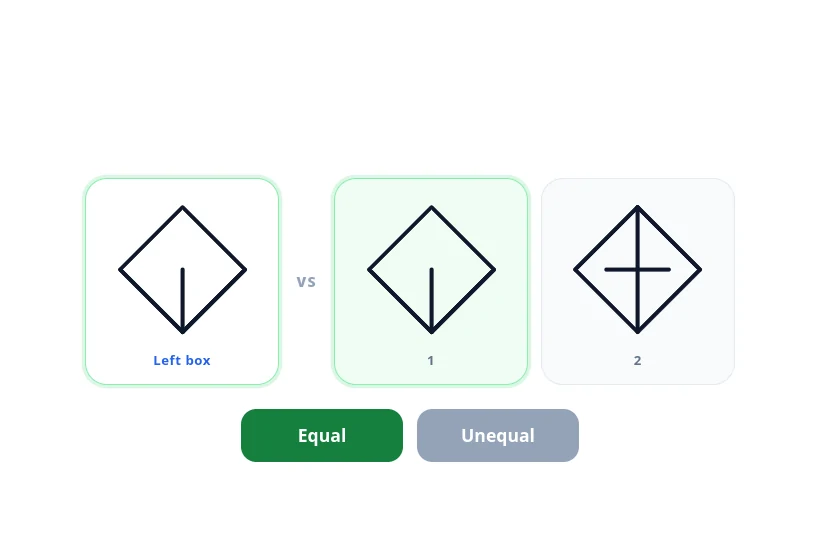
Compare the left box with the figures on the right, and press Equal if at least one of them matches.
 6
DART preview where you control one aircraft by setting headings, navigate it through a series of waypoints in the correct order, and respond correctly to audio cues along the way.
 7
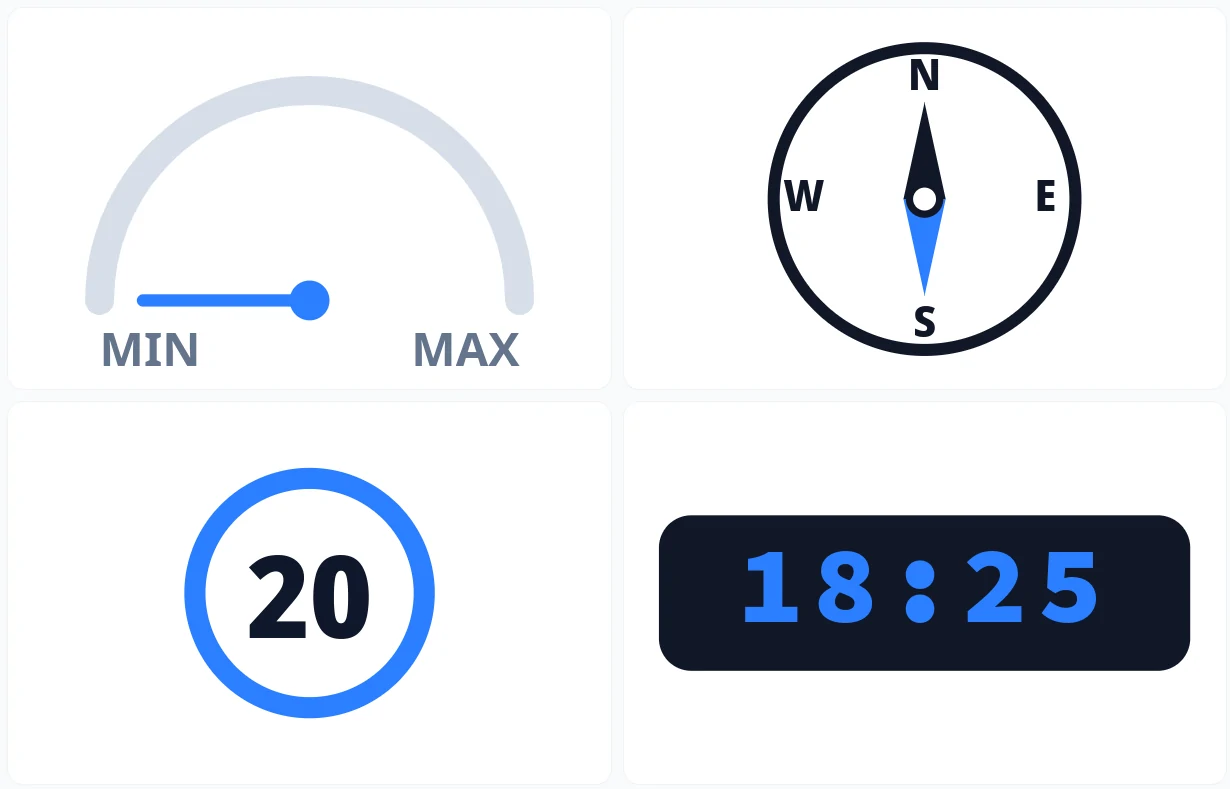
Study a panel of instruments, then select each reading from a range of options before time runs out.
 8
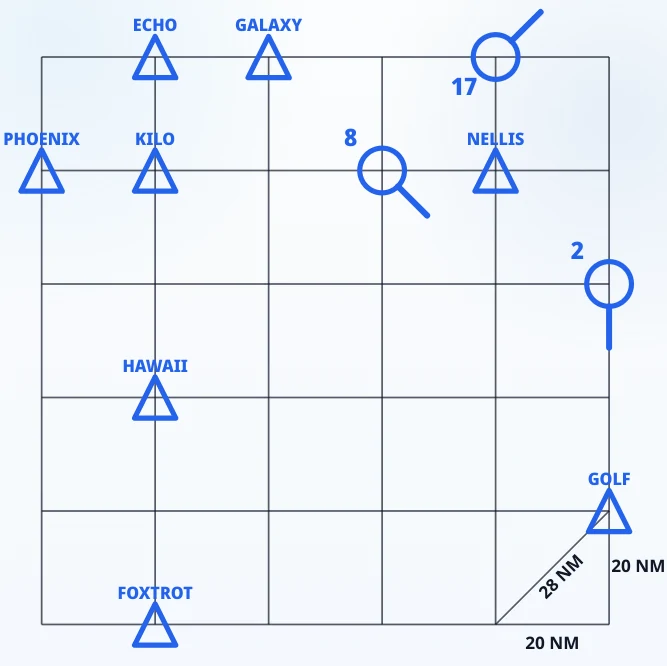
Read the grid and choose the distance, heading, or rotation between the named aircraft and its waypoints.
These modules are not part of the free practice.
 Full version
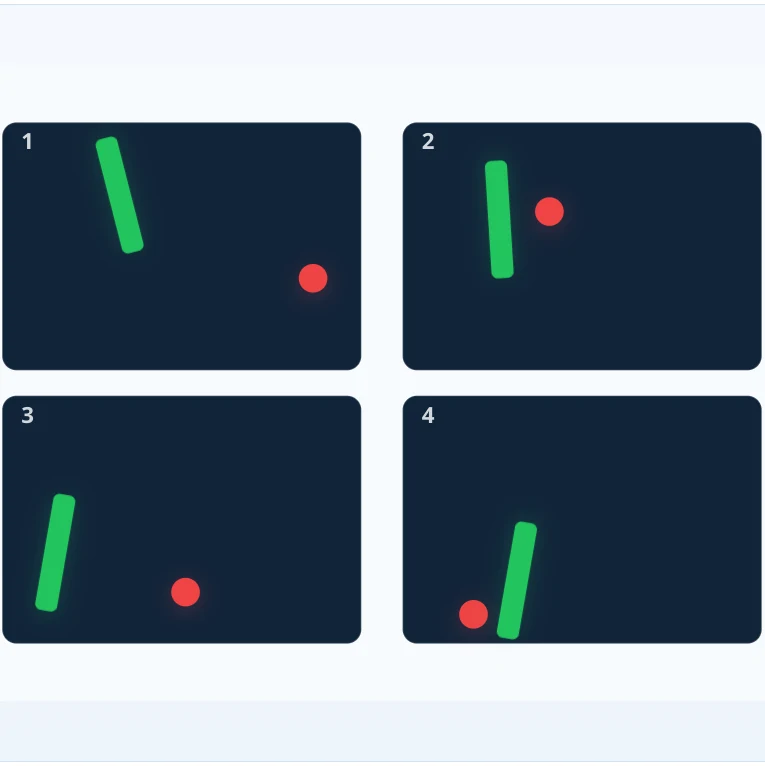
Watch several numbered playgrounds at once and press the matching number only when the red ball touches the green rocket.
 Full version
 Full version
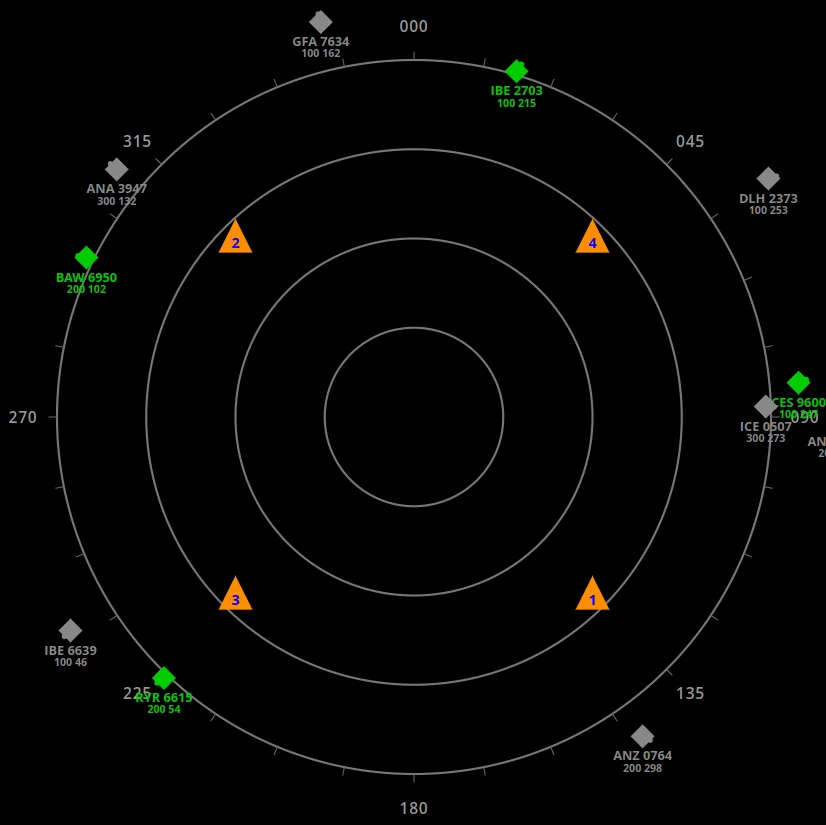
Steer green aircraft through numbered waypoints on a circular radar, keep them off grey traffic at the same flight level, and type the spoken numbers when audio is on.
 Full version
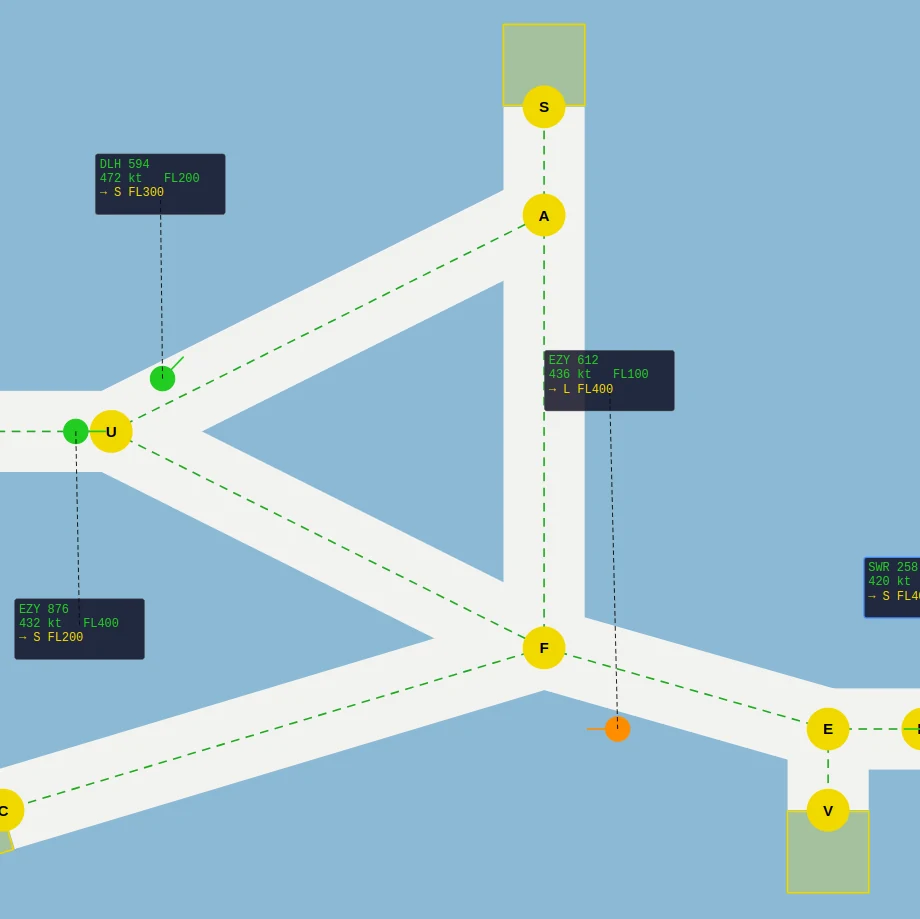
Route aircraft through a corridor network to an assigned exit waypoint and flight level, keep them separated, and decide whether radio calls belong to your traffic.
 Full version
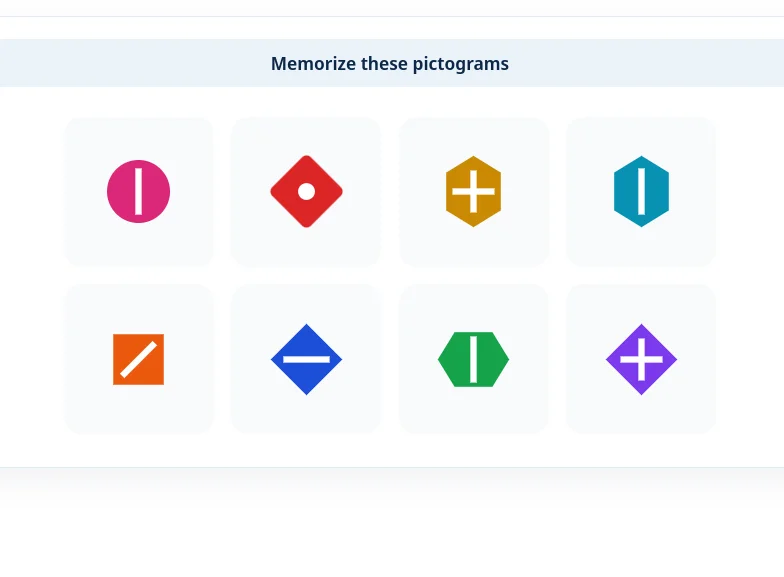
Memorize pictograms shown as pairs or as a colored grid, answer whether equations are correct, then pick the shapes you saw.
 Full version
Memorize the order in which boxes light up and replay the full sequence exactly from memory.
 Full version
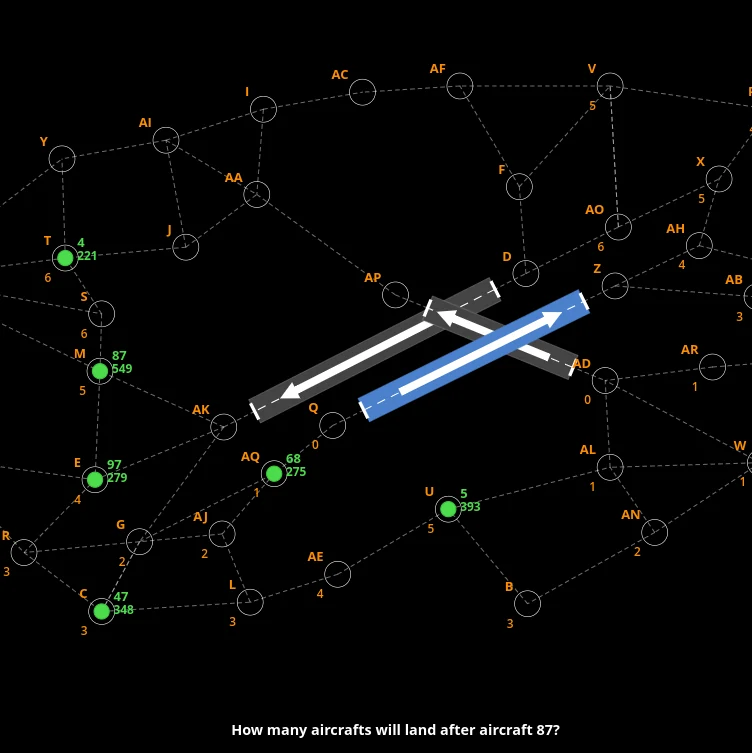
Read the map and the special rules, then pick the answer about landing order or the checkpoints an aircraft will overfly.
 Full version
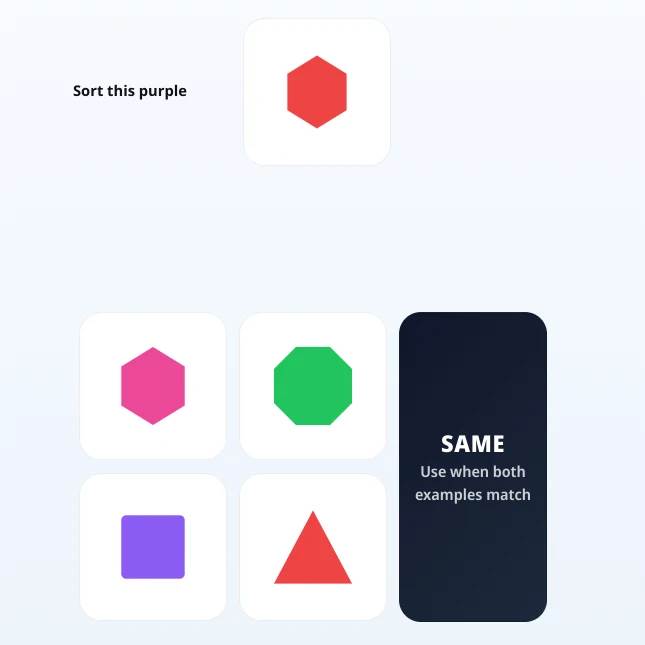
Learn category rules on the fly and choose the option that matches the examples under changing conditions.
 Full version
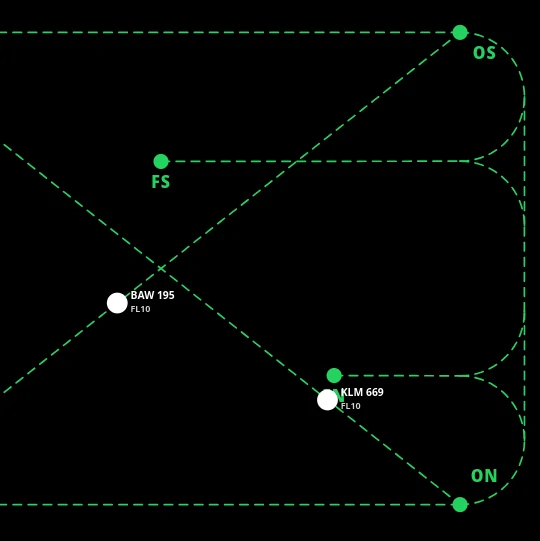
Classify each flight strip into the box for the aircraft’s next waypoint, hand it over after the final waypoint, put landing flights at FL 10, keep same-level traffic apart, and confirm only the example callsign when audio is on.
These free FEAST modules run directly in your browser. While they are shorter and easier than the actual test, they give you a quick way to get familiar with the task types and see what to expect.
The modules focus on attention, speed, and accuracy. These are key parts of the FEAST assessment used by ANSPs across Europe, at NAV Canada, and elsewhere.