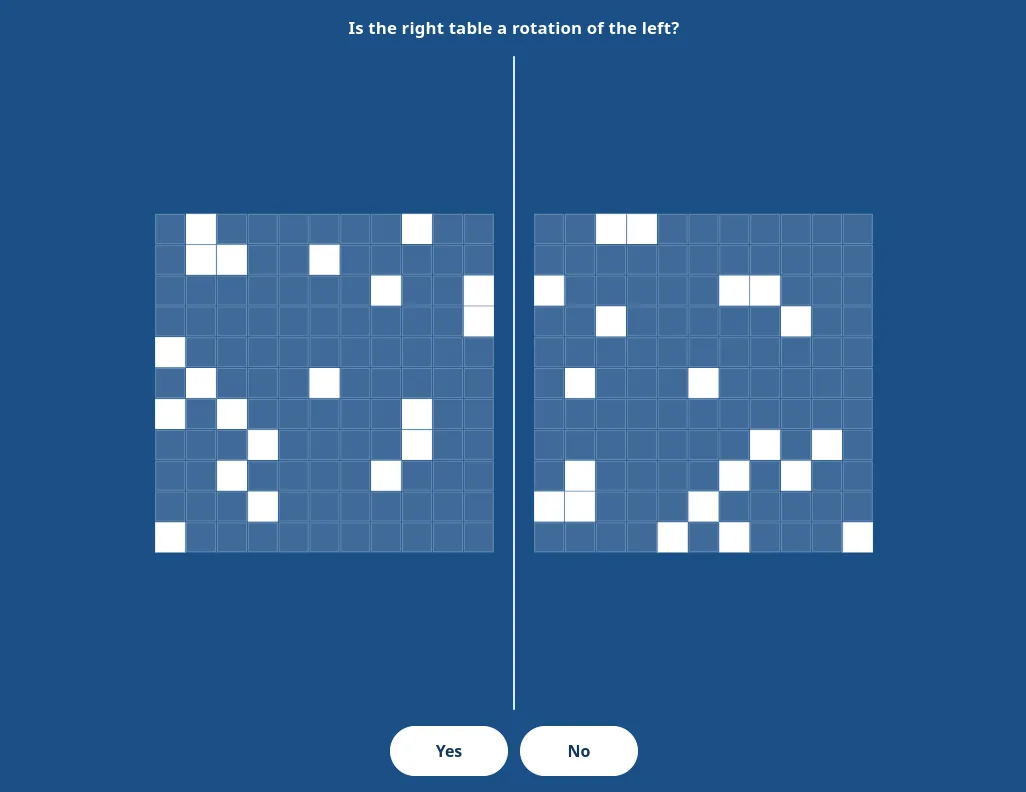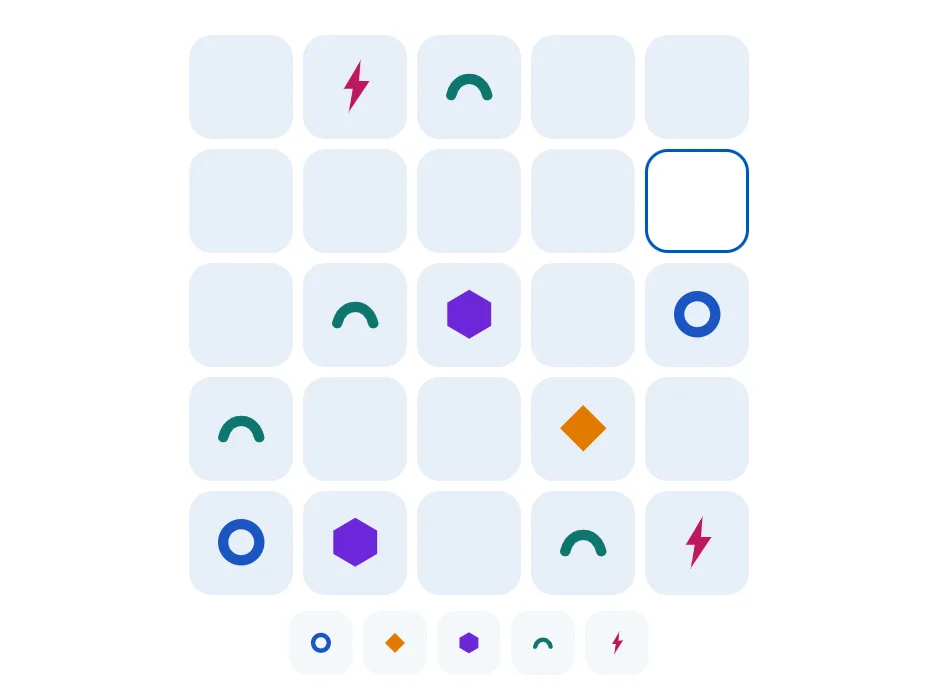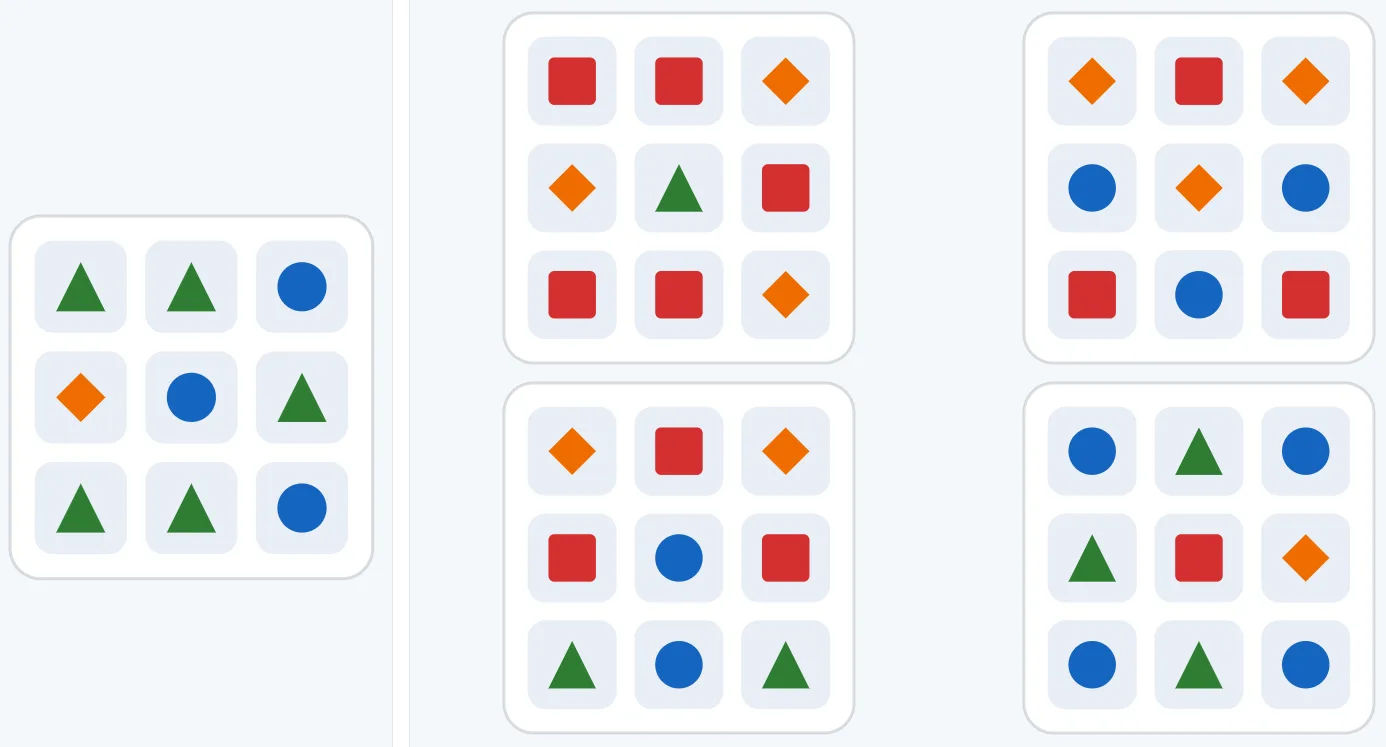

Introduction
Spatial Orientation is a Stage 1 module in the NATS Preparation Suite. Each question shows two instruments. You read the flying direction from the gyro and the station’s position from the RBI, then place the matching letter in the correct zone.
The task
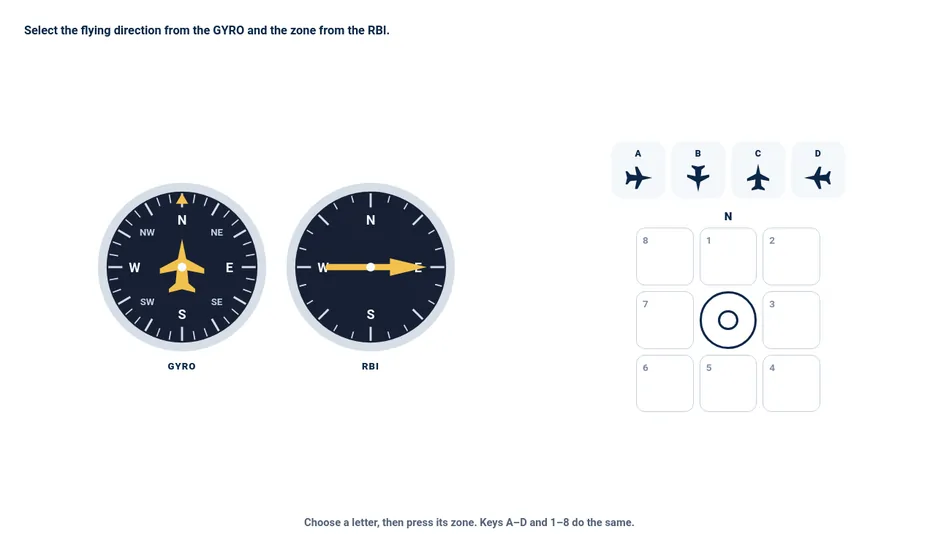
On the gyro the aircraft points up and the compass card turns under it. The letter at the nose is the flying direction. Choose that letter first. Keys A to D select a letter.
On the RBI, the top of the dial is the nose, not north on the map. The needle tip is the ground station, measured from the way the aircraft is flying. South on the RBI means the station is behind the aircraft. Face the aircraft in the gyro direction on a north-up compass, draw that needle from the nose, and the aircraft sits in the cell opposite the needle tip. Press that zone. Keys 1 to 8 do the same. North is cell 1, and the cells run clockwise.
A question may use only the four main directions, or add the diagonals in the flying direction, in the bearing, or in both. Each question has its own time limit. A level may pause after an answer, or go straight to the next question.
Priorities
Read the gyro letter before you touch the RBI. A correct zone with the wrong letter is still wrong, and the other way around. Treat “south” on the RBI as “behind the nose”, then turn that into a map direction from the heading you already chose. Questions that use the diagonals are the same two steps, with more directions.
The in-module walkthrough reads an east heading, shows a station behind the nose, and places the aircraft in the east cell. Spatial Recall, Grid Deduction, and Inductive Reasoning are other Stage 1 modules in the suite. A broader overview is available in NATS Test Explained.
Disclaimer: NATS Preparation Suite is an independent training tool for candidates preparing for NATS air traffic controller recruitment. This product is not affiliated with, endorsed by, or officially connected to NATS, Aon, or any assessment provider. NATS is a trademark of NATS. Practice tasks are original and are not copies of live selection items.