
Introduction
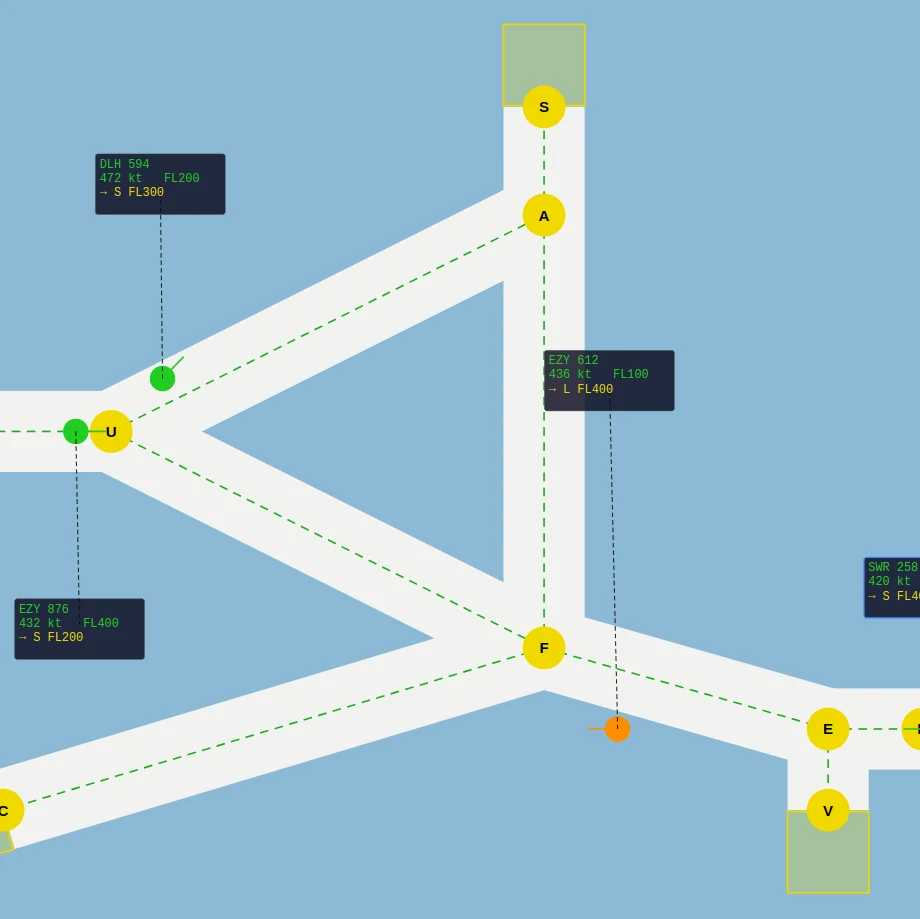
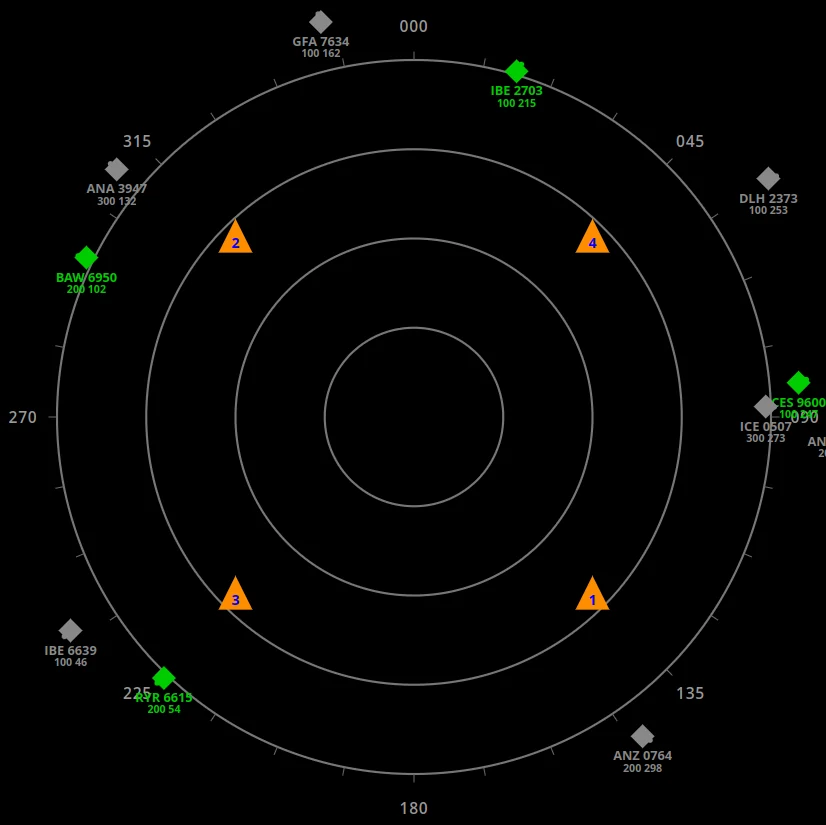
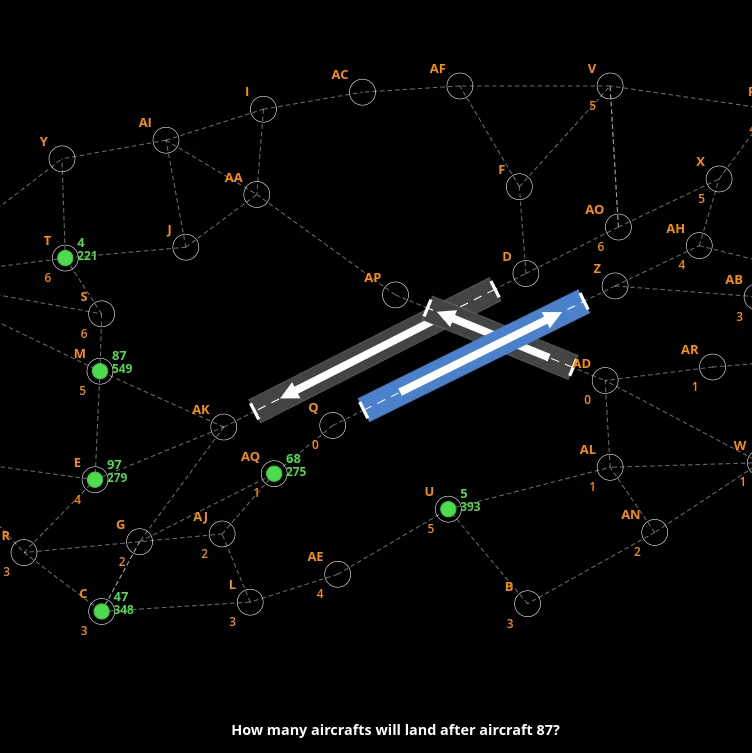
Multi Pass is the strip-and-traffic module in the FEAST Preparation Suite. It is part of FEAST II, together with DART and Radar Control. It develops divided attention and sequencing using live traffic, flight strips, waypoint boxes, handovers, and a spoken-callsign task.
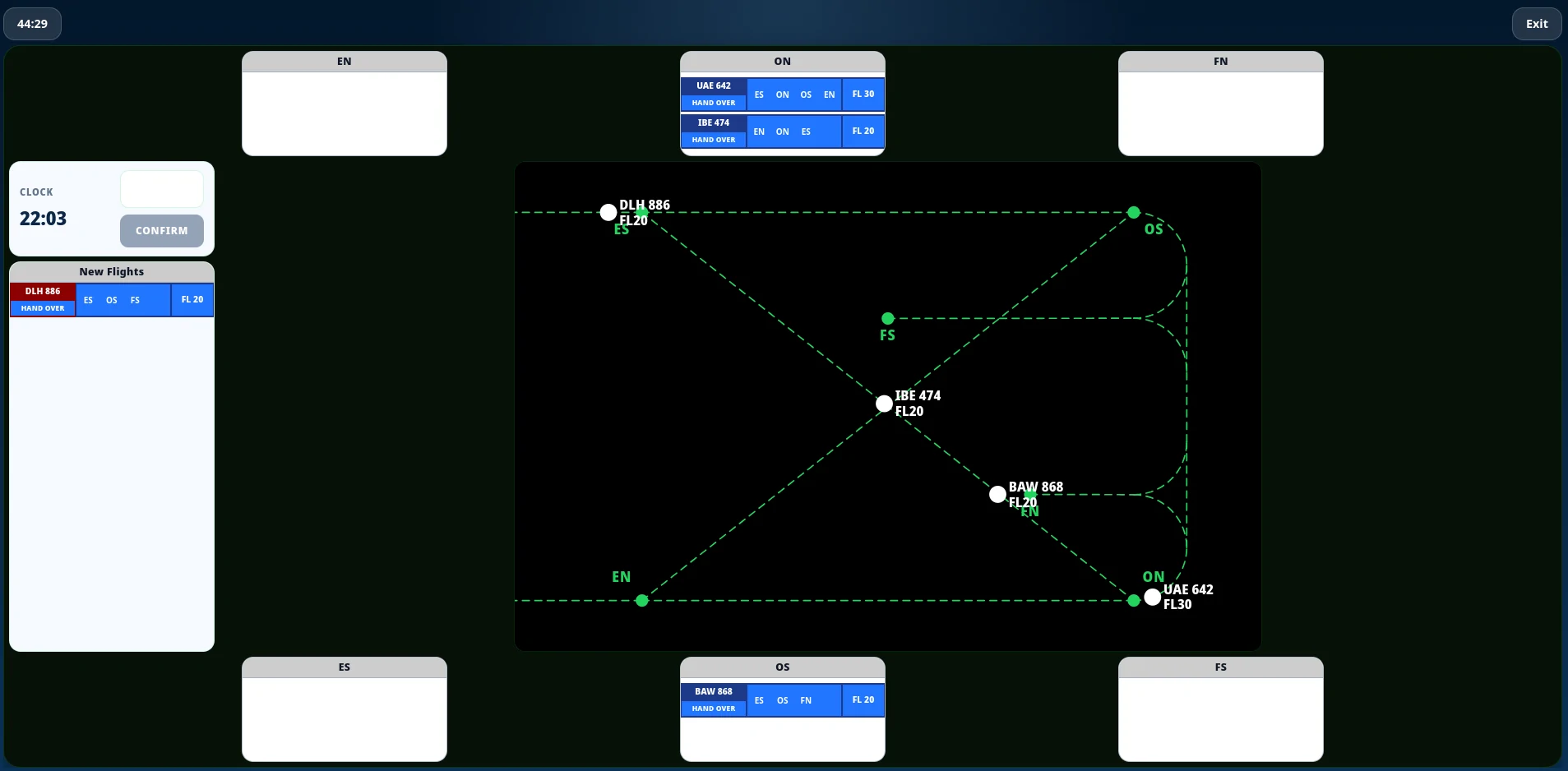
The task
Each flight strip shows the aircraft’s callsign, planned route, a time note under each waypoint, and flight level. The time note is the minute on the clock when the aircraft is expected over that point. Once the aircraft passes, that minute stays. The strip appears in New Flights before the aircraft enters the radar picture. Place it in the box for its next waypoint before the aircraft reaches that waypoint. You can drag the strip or select it and click the box, and you can move it again until the aircraft arrives. The classification is scored at that moment. If the strip is in that box, it is correct. If it is not, it is one error and the strip turns red. Each time the aircraft passes a waypoint, the strip has to move to the box for the next one. Route and flight level stay locked until the aircraft has entered the airspace.
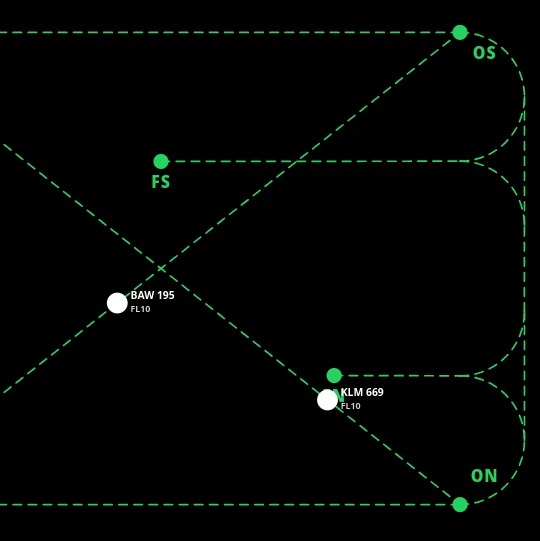
Hand over only after the aircraft has passed its final waypoint and is leaving. Clicking HAND OVER earlier is scored as an error, and leaving the map without a handover is also a miss. FN and FS are landings. A flight going there must be at FL 10 before you hand it over. The flight-level panel turns red once that aircraft is flying to FN or FS, and it stays red after the aircraft passes it until you hand it over at FL 10. EN and ES exits can leave at any level. Same-level tracks that close on the radar go orange, then red. If they stay that close they crash. You change flight level on the strip. You can also change the planned route, including the final waypoint, from the middle panel on the strip once the aircraft is in the sector.
An example callsign is shown above CONFIRM. A short sequence of callsigns is then spoken. Press CONFIRM only when you hear that example. If it never plays in the round, do nothing. Confirming a different callsign, or missing the example when it does play, both count as a wrong audio round.
Difficulty runs from EASY, through Medium and Hard, to TEST. The central task remains the same throughout: classify strips by the next waypoint, follow each aircraft through its route, maintain separation, and hand traffic over at the correct time.
Priorities
Watch the radar for same-level traffic that is closing, then the strips. A strip that was already in the right box still has to move when the aircraft passes a waypoint. You have until it reaches the next one, so watch the aircraft, not only New Flights. Hand over only after the aircraft has passed its final waypoint, not as soon as the strip looks finished. If that waypoint is FN or FS, set FL 10 early enough for the aircraft to be there before you hand it over. Read the time notes against the clock so you know which strip is about to need a move. When the audio task is active, press CONFIRM only when the spoken callsign is the example shown above the button. If that example never plays, do nothing.
The in-module tutorial walks the map, the strip and its time notes, New Flights, handover, the FL 10 landing rule, route edits, and the CONFIRM rule before the timed session starts. DART and Radar Control sit next to this one in FEAST II training. A longer write-up of that stage is in How to Prepare for FEAST II.
Disclaimer: FEAST Preparation Suite is an independent training tool designed to support candidates preparing for air traffic controller assessments. This product is not affiliated with, endorsed by, or officially connected to EUROCONTROL or the FEAST test. FEAST is a registered trademark of EUROCONTROL. All training modules are original and independently developed. The exercises included in this product are designed to strengthen the core ability areas important for air traffic controller screening. While some modules may resemble the style of tasks candidates can encounter during selection, they are not intended to simulate, reproduce, or replicate any official test.