
Introduction
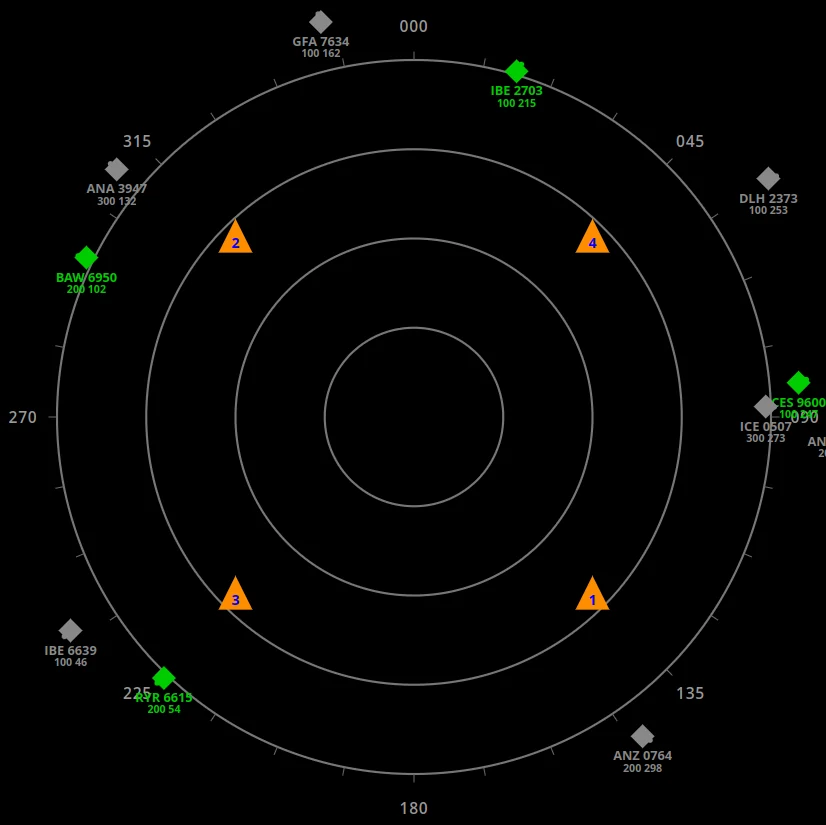
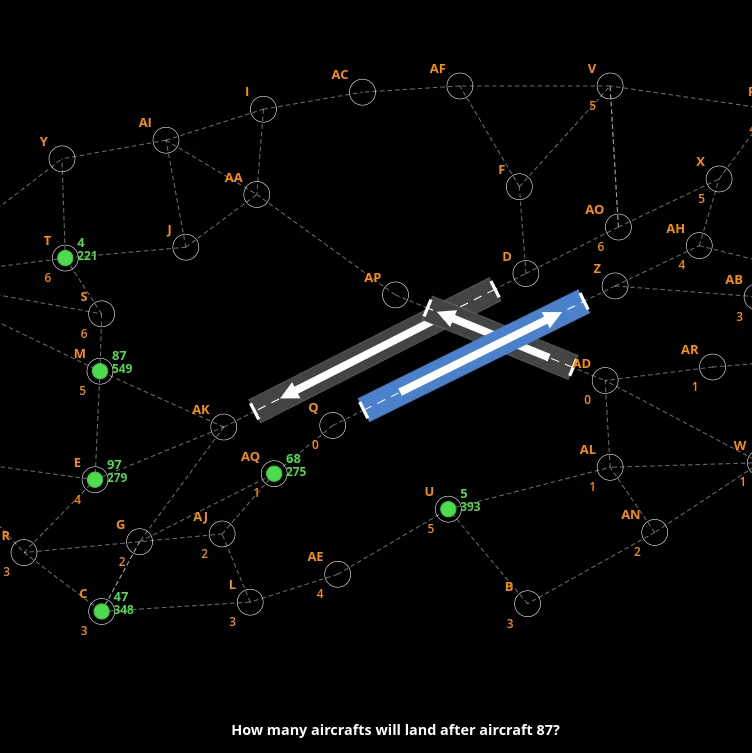
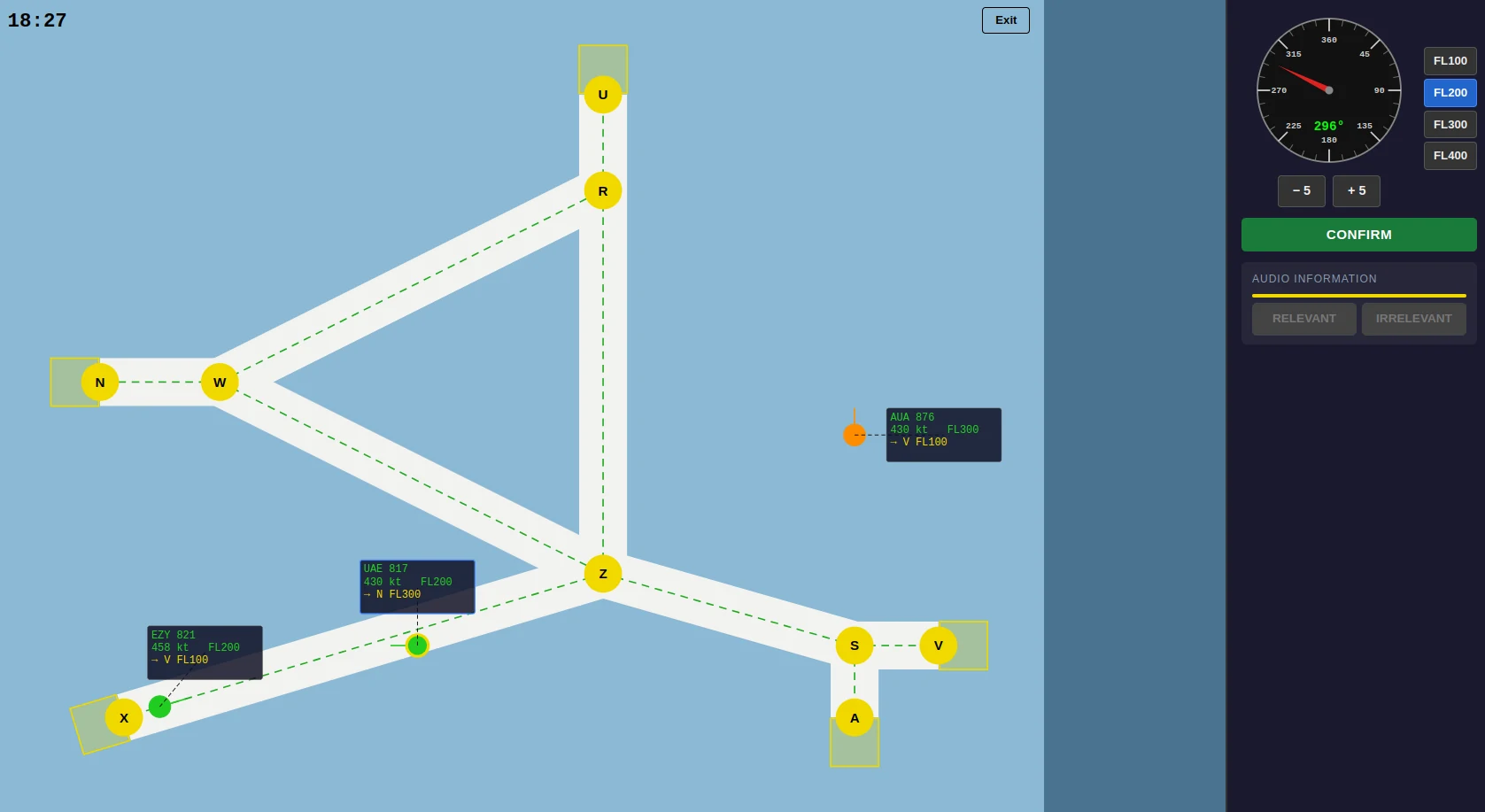
Radar Control is the corridor module in the FEAST Preparation Suite. The suite places it in FEAST II, next to DART and Multi Pass. It develops divided attention and spatial reasoning on a published corridor network, with assigned exits, required flight levels, several aircraft already in the sector, and Relevant or Irrelevant radio calls running beside the picture.
The task
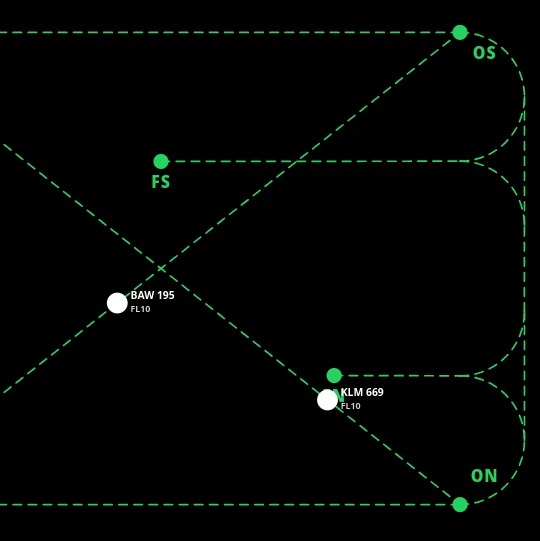
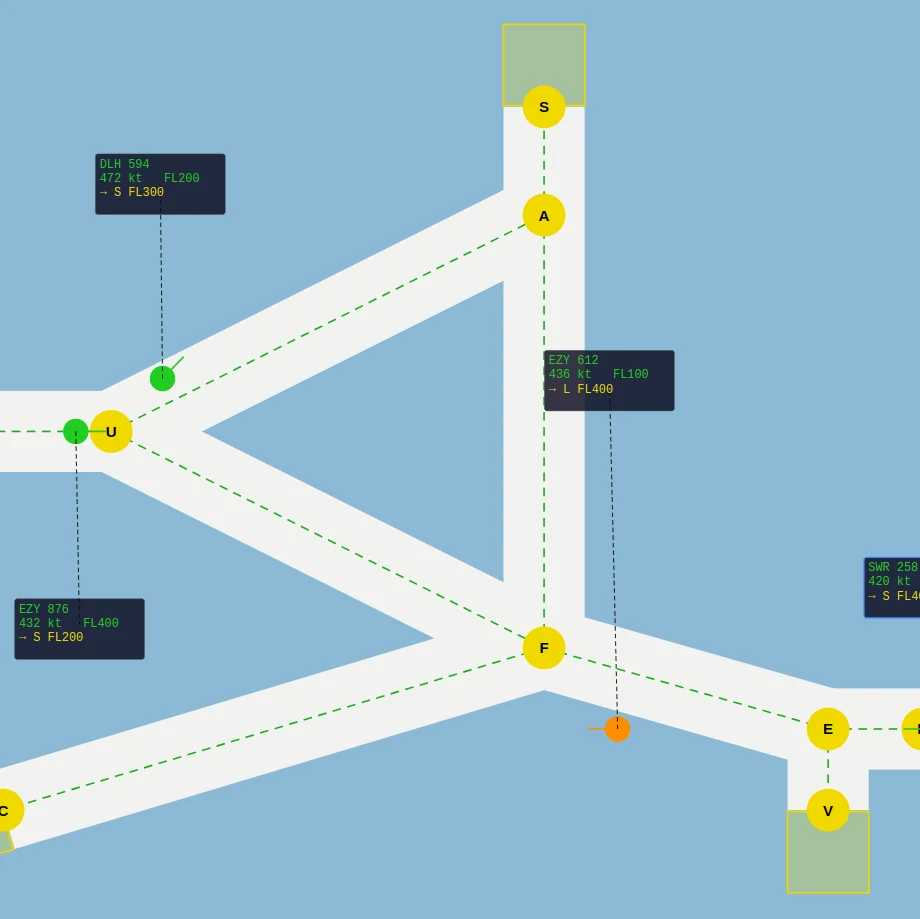
Each aircraft arrives with a callsign, a current flight level, and an exit made up of a lettered waypoint and the level it must have when it leaves. Select the track, choose a heading and flight level, then confirm the instruction. Turns and climbs take time, so a change issued after two tracks are already closing may be too late. Waypoint labels can change between sessions, so follow the network shown on the current map.
The shortest connected path to the exit scores best. You can use another legal corridor. Time outside the corridors, a crash, or flying off the picture all cost you. An aircraft only leaves correctly if it is at the right waypoint and already at the required flight level. Arriving at the right letter on the wrong level does nothing. Conflicts are same-level geometry: if two controlled aircraft get too close at the same altitude, change one of them. Heading is for routing, altitude is for surviving the cross.
Radio prompts must be marked Relevant or Irrelevant. A prompt is Relevant when it matches a callsign you control, a waypoint on the map, a pair of waypoints that are actually connected, or a flight level used by one of your aircraft. Leaving a prompt unanswered counts as a miss, so the radio has to remain part of your scan.
Difficulty runs from EASY, through Medium and Hard, to TEST. The central task remains the same throughout: route each aircraft to its assigned exit, meet the required flight level, maintain separation, and handle the radio prompts that appear during the session.
Priorities
Separation first, then the heading or level that is actually time-critical, then corridors toward the exits, then the radio. The radio is easy to drop when the scope looks busy, and the exit flight level is easy to notice only in the leave zone, when it is too late to climb.
The in-module tutorial walks the label, the routes, and the Relevant / Irrelevant rule before the timed session starts. DART and Multi Pass sit next to this one in FEAST II training. A longer write-up of that stage is in How to Prepare for FEAST II.
Disclaimer: FEAST Preparation Suite is an independent training tool designed to support candidates preparing for air traffic controller assessments. This product is not affiliated with, endorsed by, or officially connected to EUROCONTROL or the FEAST test. FEAST is a registered trademark of EUROCONTROL. All training modules are original and independently developed. The exercises included in this product are designed to strengthen the core ability areas important for air traffic controller screening. While some modules may resemble the style of tasks candidates can encounter during selection, they are not intended to simulate, reproduce, or replicate any official test.