

Free FEAST Training: How to Prepare for FEAST I and FEAST II
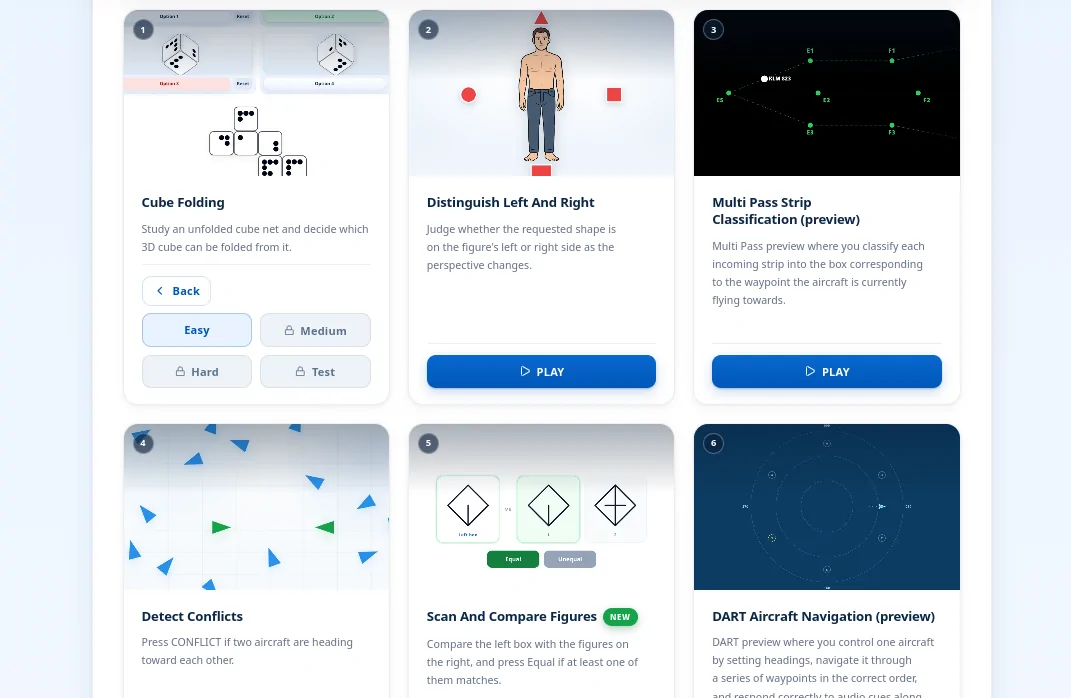
Six of the free modules, including Cube Folding on Easy and the DART and Multi Pass previews.
Last updated: October 23, 2026
Free FEAST training is practice for the task types in FEAST I, plus a short first look at two FEAST II jobs, before you pay for a full plan. Our free FEAST training opens eight modules on the Easy level, after an email code. Medium, Hard, and Test, the full FEAST II work samples, and saved rankings sit in the paid suite.
What free FEAST training includes
The free route includes eight modules, in the following order:
| Module | What you do |
|---|---|
| Cube Folding | Study an unfolded cube net and decide which 3D cube can be folded from it. |
| Distinguish Left and Right | Judge whether the requested shape is on the figure's left or right as the view changes. |
| Multi Pass Strip Classification (preview) | Sort each incoming strip into the box for the waypoint the aircraft is flying towards. |
| Detect Conflicts | Press CONFLICT when two aircraft are heading toward each other. |
| Scan and Compare Figures | Compare the figure on the left with the figures on the right, and press Equal if one of them matches. |
| DART Aircraft Navigation (preview) | Set headings for one aircraft, fly the waypoints in order, and answer the audio cues. |
| Remember Instrument Readings | Study a panel of instruments, then select each reading from the options before time runs out. |
| Estimate Distances and Directions | Read the grid and choose the distance, heading, or rotation between an aircraft and its waypoints. |
The first two are spatial tasks. The rows marked preview are a short look at FEAST II work. For what each task is built to measure, see FEAST Modules Explained.
How to start free FEAST training
Open free FEAST training and choose Cube Folding. The page asks for your email, your country, the organisation you are applying to, and your test date. If you do not have a date yet, say so. We email a six-digit code, and you stay signed in on that device. Continuing also means you agree to preparation tips and product emails. After the code, the rest of the route opens on that device, starting with Distinguish Left and Right.
FEAST I modules open with a short instruction screen on the board you are about to use. Read it, then press Play. At the end of the round you see how that attempt went. The listing remembers which modules you have finished on that device.
You do not need aviation knowledge to start. Each module explains its own rules. The same is true of the real FEAST tests: EUROCONTROL says the instructions contain what you need for the task. Background on the job matters later, in interviews, and it is covered in Understanding the FEAST Test.
EUROCONTROL's free FEAST training
EUROCONTROL, which developed FEAST, offers its own free training platform. You create an account and the exercises run in the browser. EUROCONTROL says they are not the tests used in a real session. The platform includes basic statistics.
EUROCONTROL's platform introduces the principles behind FEAST I. Our free route provides additional practice, including introductory previews of two FEAST II-style tasks.
How to use the Easy level
If you are just starting your FEAST preparation, play Cube Folding, Distinguish Left and Right, and Detect Conflicts. Those three show you spatial judgement and a conflict decision. That is enough to feel the kind of concentration the tests use.
If you already have a date, treat the eight modules as the first pass. Finish the route so every free task type has been on screen once. Then repeat the ones that felt messy, especially the two previews, where a second demand arrives while the first job is still running. When Easy feels settled, the useful work is faster timing and the full FEAST II modules. A practical schedule for that stage is in How to Prepare for FEAST II.
English, when your invitation includes it, is a separate English preparation page. The personality questionnaire, when an organisation uses it, is on its own questionnaire page. Neither one is part of this free route. EUROCONTROL advises candidates to answer the questionnaire naturally, in one sitting.
Is free FEAST training enough?
Here is what stays free, and what the paid suite adds.
| Free training | FEAST Preparation Suite | |
|---|---|---|
| Modules | Eight tasks on Easy, including two FEAST II previews. | The wider library, including full DART, Radar Control, Multi Pass, Plan Aircraft, and the memory modules left off the free route. |
| Difficulty | Easy only. | Medium, Hard, and Test. |
| After a round | A summary of that attempt, and a finished mark kept on that device. | Saved results, progress over time, and comparison with other candidates. |
If you are choosing between preparation tools, the 2026 buying guide compares this suite with EUROCONTROL's platform and with general brain-training apps. The current price is on the suite page.
Start with the free FEAST modules
Unlock all eight with an email code. Continue in the FEAST Preparation Suite when Easy is no longer enough.
Common questions
Is the free FEAST training actually free?
Yes. Eight modules are free on the Easy level. Each one asks for your email, your country, the organisation you are applying to, and your test date if you already have one. You can mark the date as unknown. We send a six-digit code to that email. Continuing also means you agree to preparation tips and product emails.
Is this the official FEAST test?
No. ATC Preparation is independent of EUROCONTROL. These are original practice tasks. EUROCONTROL publishes its own free training platform for the principles behind FEAST I, and it does not release the live test questions. Your invitation is the document that says which tests you will sit.
Does free training include FEAST II?
It includes introductory previews of two FEAST II-style tasks: DART Aircraft Navigation and Multi Pass Strip Classification. The full modules are in the FEAST Preparation Suite.
Is the Easy level enough to prepare for FEAST?
It is enough to learn what each task asks you to do. A clean score on Easy means the rules are clear. It says little about a timed assessment. If you have a test date, move on to the harder levels and the full FEAST II modules.
Can NAV CANADA applicants use it?
Yes. The same free library is there for candidates applying in Europe, at NAV CANADA, and at other organisations that use FEAST. NAV CANADA describes its process as an online assessment and an in-person assessment day. Use your invitation for the exact stages.
Related Blog Posts
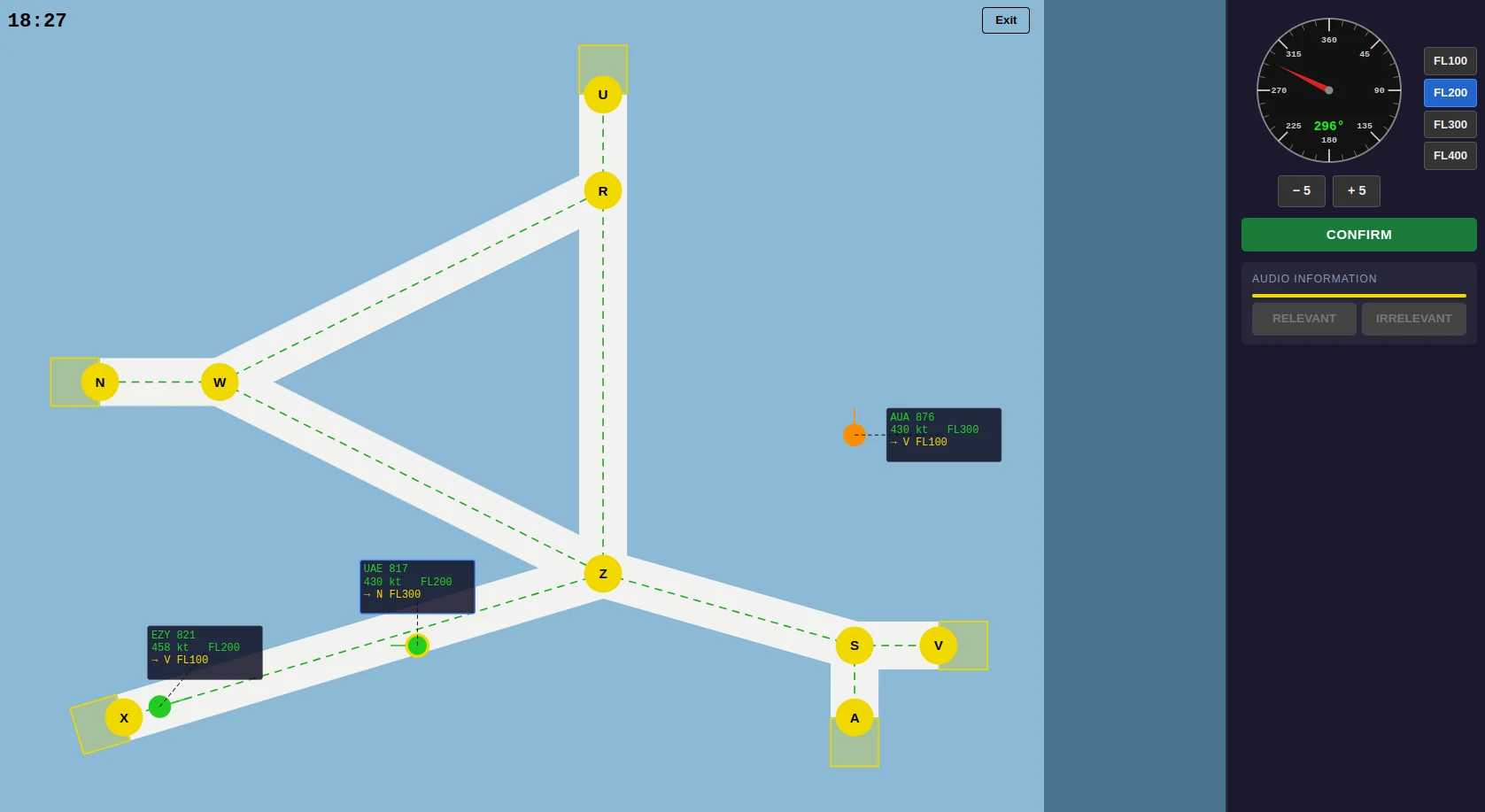
Best FEAST Training Software in 2026: How to Prepare for FEAST I and FEAST II
How to choose FEAST training software in 2026: what EUROCONTROL's free platform covers, what a dedicated suite needs for FEAST I and FEAST II, and where general brain-training apps stop.
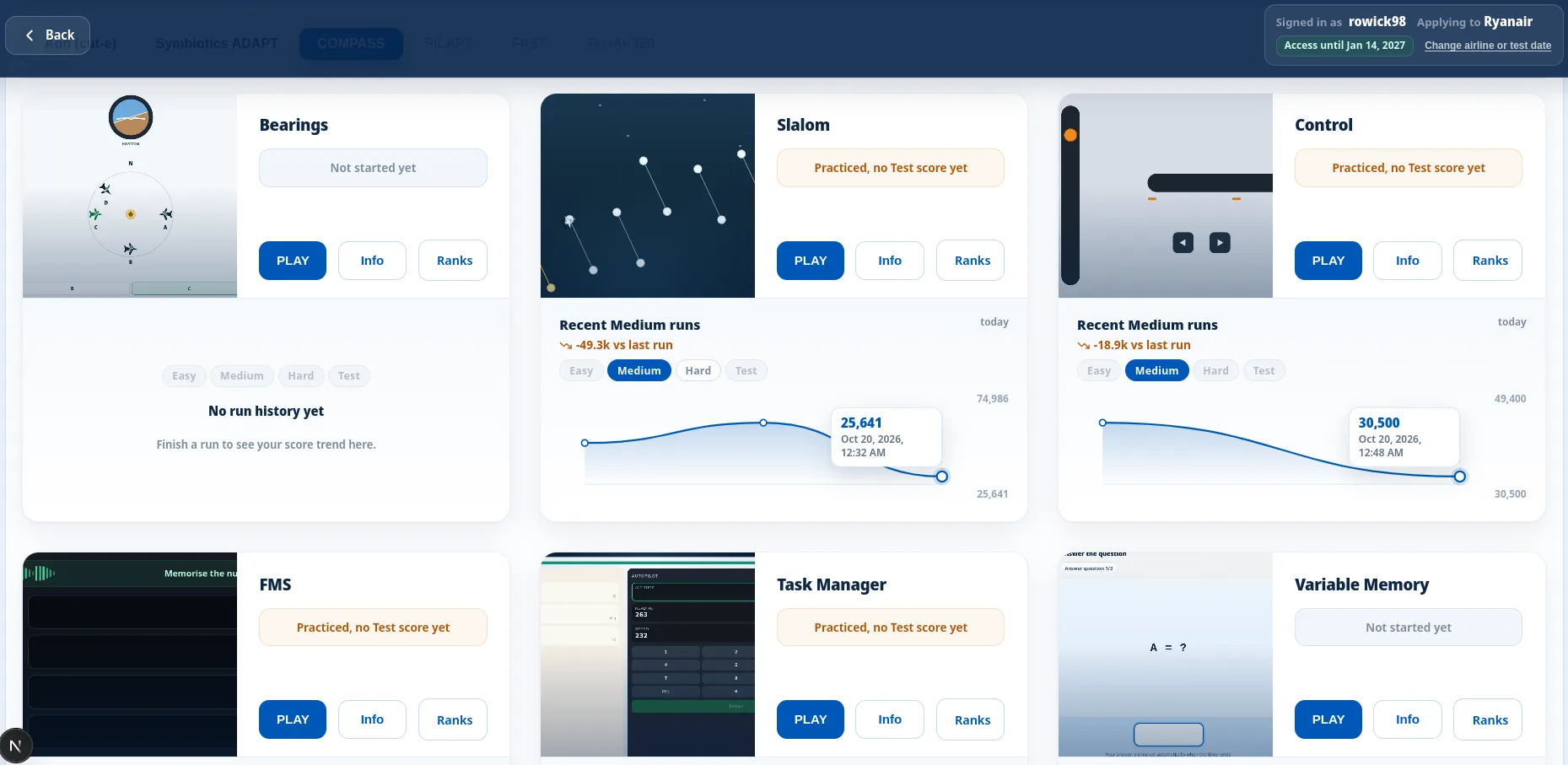
COMPASS Pilot Aptitude Test: A Practical Guide to the EPST Battery
COMPASS is EPST's pilot aptitude battery, used by Emirates, Etihad, Transavia and cadet academies. Your invitation sets the modules and whether you sit online or at a centre.
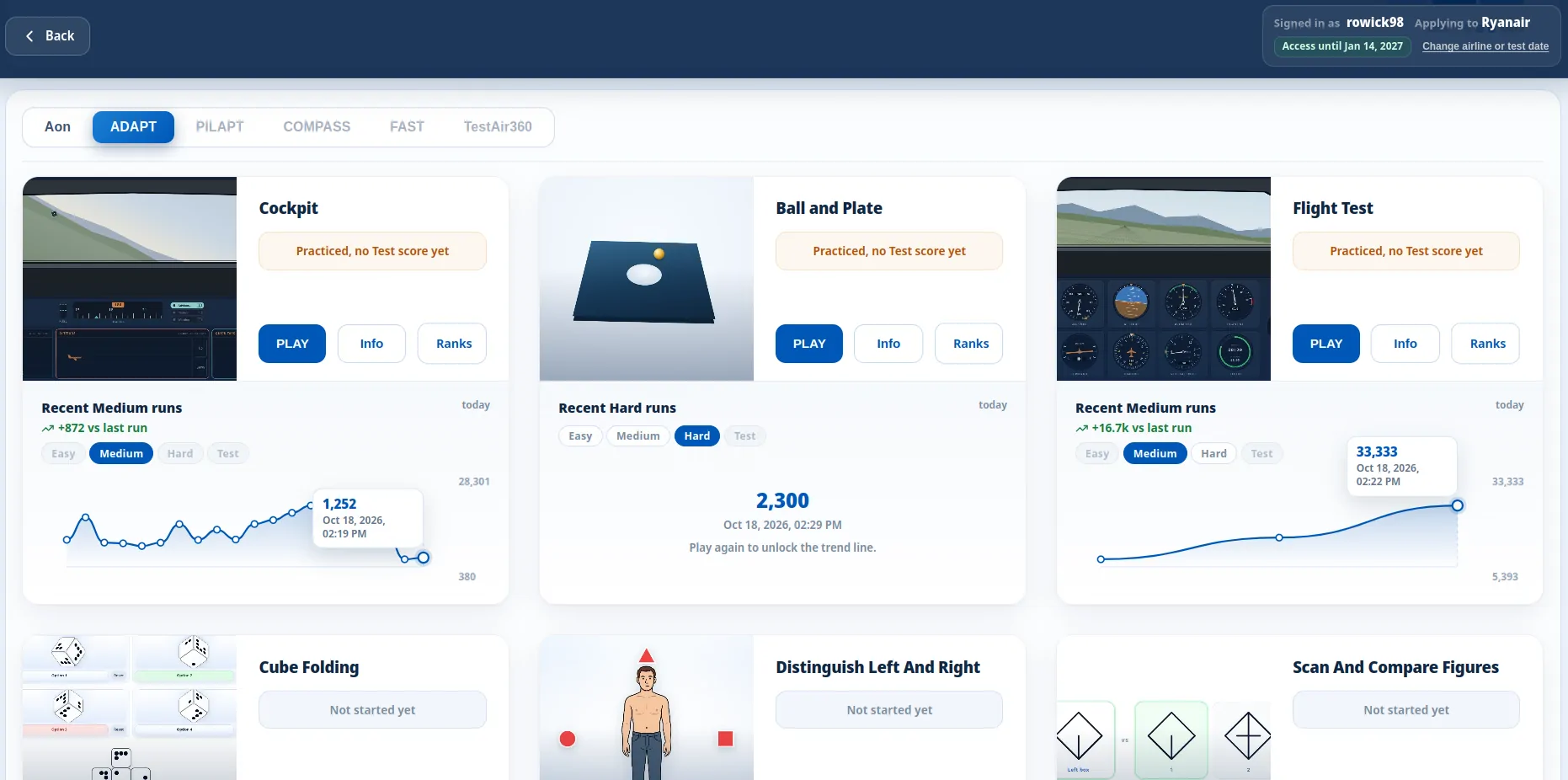
ADAPT Pilot Test Explained: What Symbiotics Screening Covers
Symbiotics ADAPT is the pilot aptitude screen CAE uses on many cadet programmes. The invitation decides which tasks you sit, so two ADAPT sittings can differ.