Every FEAST I Game Now Starts With Instructions

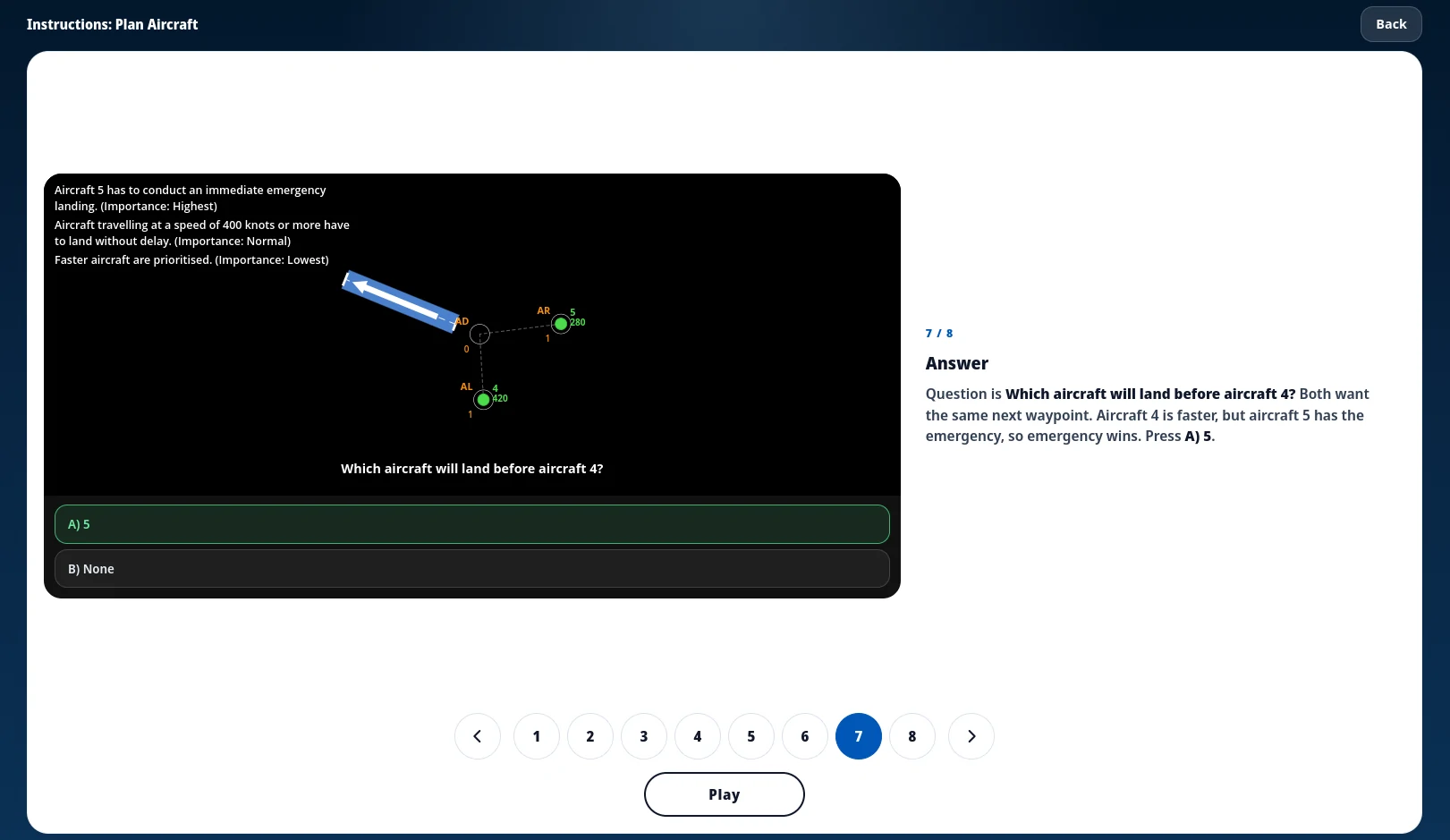
An instruction walkthrough before the timed round. The board stays on the left, the explanation on the right.
Last updated: September 21, 2026
Train with Simulator Software for FEAST
Train FEAST I, FEAST II, and FEAST III skills in the FEAST Preparation Suite with all difficulty levels, TEST mode, statistics, and candidate comparison.
Every FEAST I game now opens with a short instruction walkthrough, and the same screens are in free FEAST training. You start a module, look through the actual board, and press Play when you are ready.
What FEAST I is
FEAST is EUROCONTROL's First European Air Traffic Controller Selection Test. A lot of European air navigation service providers use it as the first filter, and it is split into parts. FEAST I is the cognitive battery: short timed modules that look at spatial reasoning, attention, memory, and how you follow rules when the clock is running. FEAST 2 comes later and is the longer work-sample stage with radar and multi-pass. For the full map, we already wrote FEAST modules explained.
This update is about FEAST I. Those games sit in the FEAST Preparation Suite and in free FEAST training, and they are the ones that now open with instructions.
Why we added it
The FEAST I modules do not share one interface. Each game has its own board, buttons, and rules, so jumping straight into a timed round meant spending the first attempt just working out the screen. The score then looked worse than the skill, which is on us.
FEAST 2 already had in-game tutorials. FEAST I did not, and that is the gap we closed.
How it works
The walkthrough uses the same board as the game: the task sits on the left, and the text on the right explains one piece at a time. You move through the slides with the dots at the bottom or with the arrow keys. When you have seen enough, press Play and the usual countdown starts. You do not have to finish every slide; Play is there from the first screen.
What it looks like
The layout is the same on every module: the real board on one side, a short explanation on the other. A few screens from the walkthroughs:
Plan Aircraft.
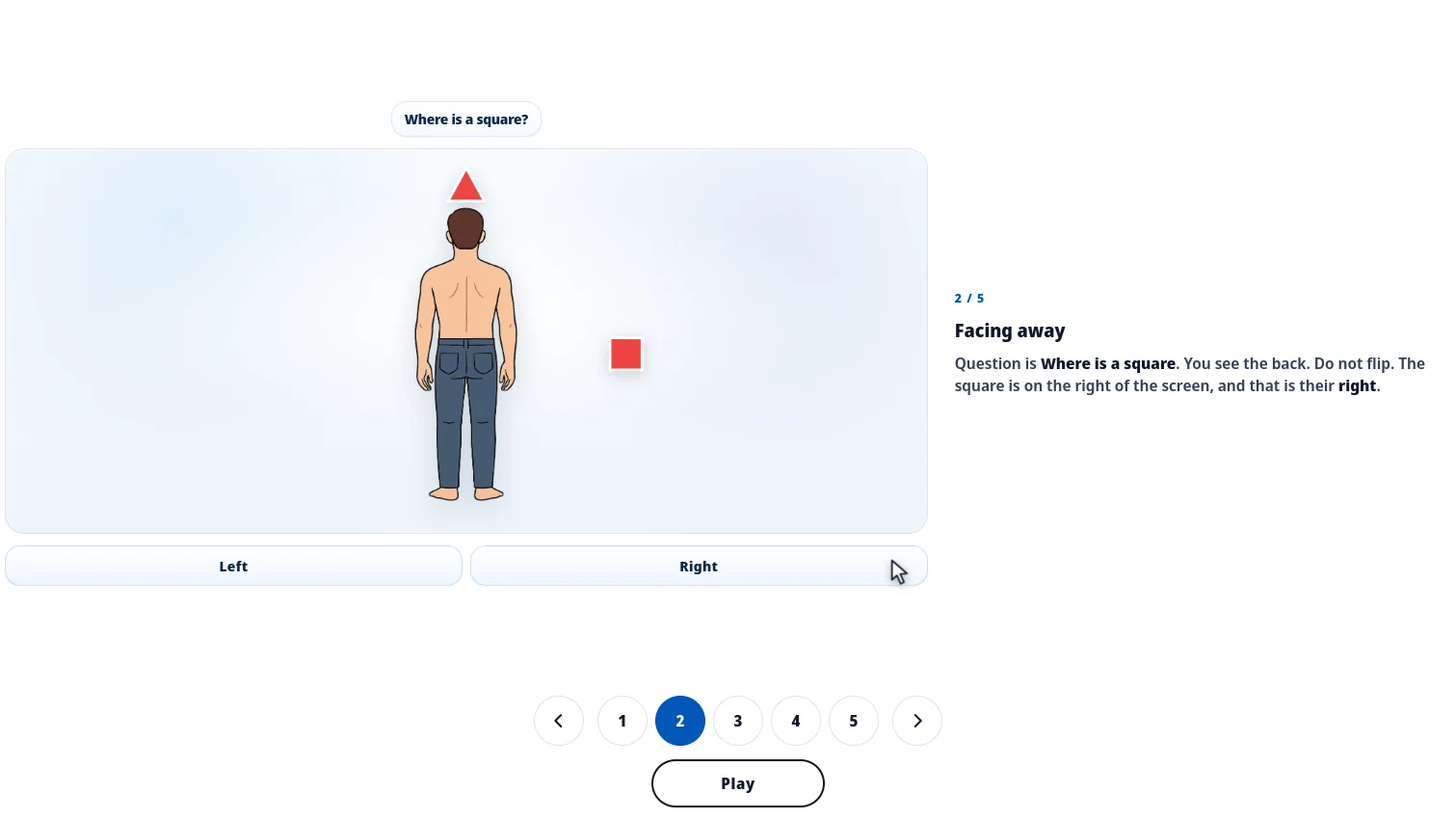
Distinguish Left and Right.
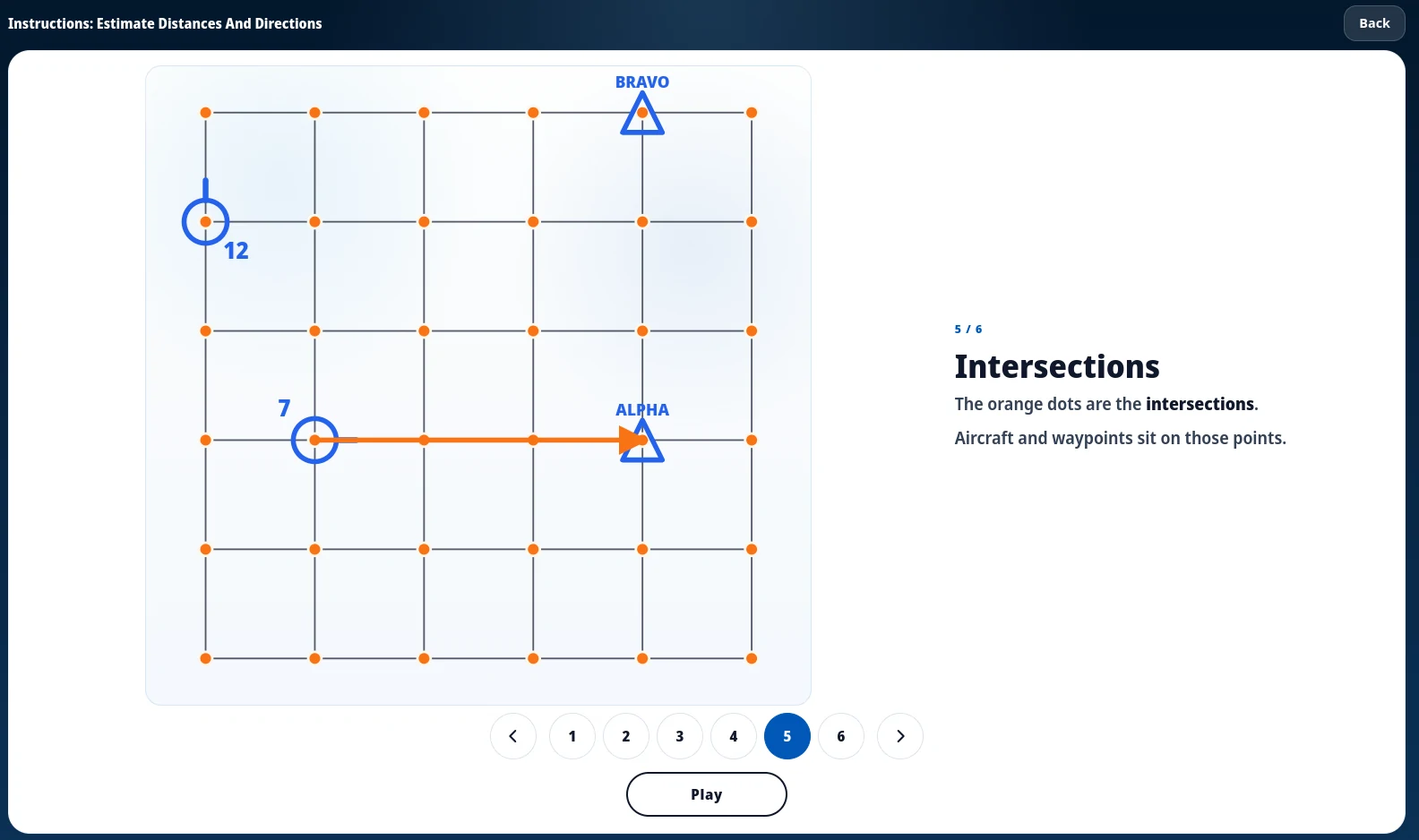
Estimate Distances and Directions.
Where to try it
Open any FEAST I module in the FEAST Preparation Suite and the instructions come up before the countdown. If you do not have a subscription, free FEAST training has the same walkthroughs.
For what each task measures, see FEAST modules explained.
Related Blog Posts
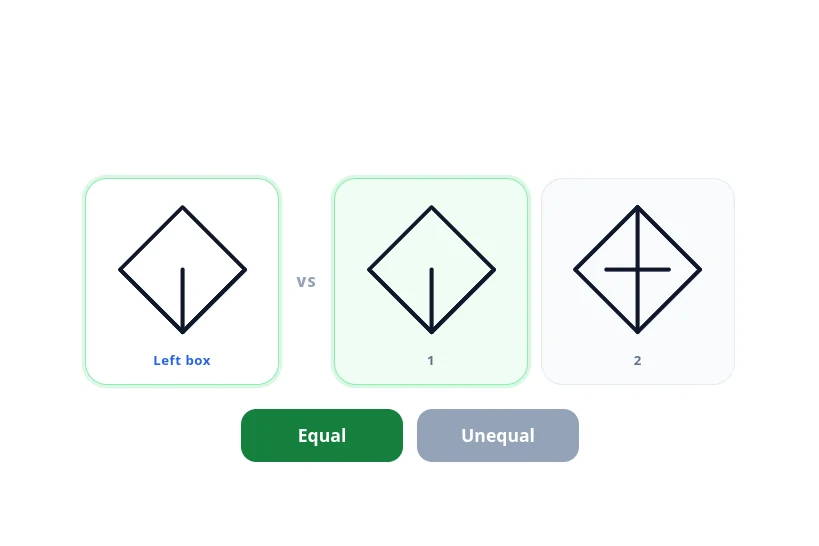
New FEAST Module: Scan And Compare Figures Is Now Available
Scan And Compare Figures is now in the FEAST Preparation Suite. Compare the left figure with the fig...
Read More
How to Become an Air Traffic Controller (2026 Guide)
How to become an air traffic controller in 2026: eligibility, age limits, selection tests, and train...
Read More
What Skills Do You Need to Be an Air Traffic Controller?
The skills air traffic controller selection actually measures: spatial awareness, working memory, mu...
Read More