Remember Instrument Readings Is in the FEAST Preparation Suite

There is a new memory module in the FEAST Preparation Suite, and it is built around a panel that does not stay on screen. You get a short look at several instruments at once, then the picture is gone and you have to bring the readings back one by one.
Last updated: September 21, 2026
Study, then the panel is gone
A round of Remember Instrument Readings is two jobs that share the same clock pressure. First you sit with the panel and try to take in every reading while it is still there. Then the board switches, and you are asked about one instrument at a time. The answers are drawn as instruments, not as text, so a clock question is four clocks and a compass question is four compasses. You pick the one that matches what you saw, and if the timer finishes before you click, that reading is counted as wrong.
Before the timed rounds start, there is a walkthrough on the actual board, which is the same pattern we already put on the other FEAST I games. You can look at how a reading is shown, how the answer grid looks, and press Play when you have seen enough.
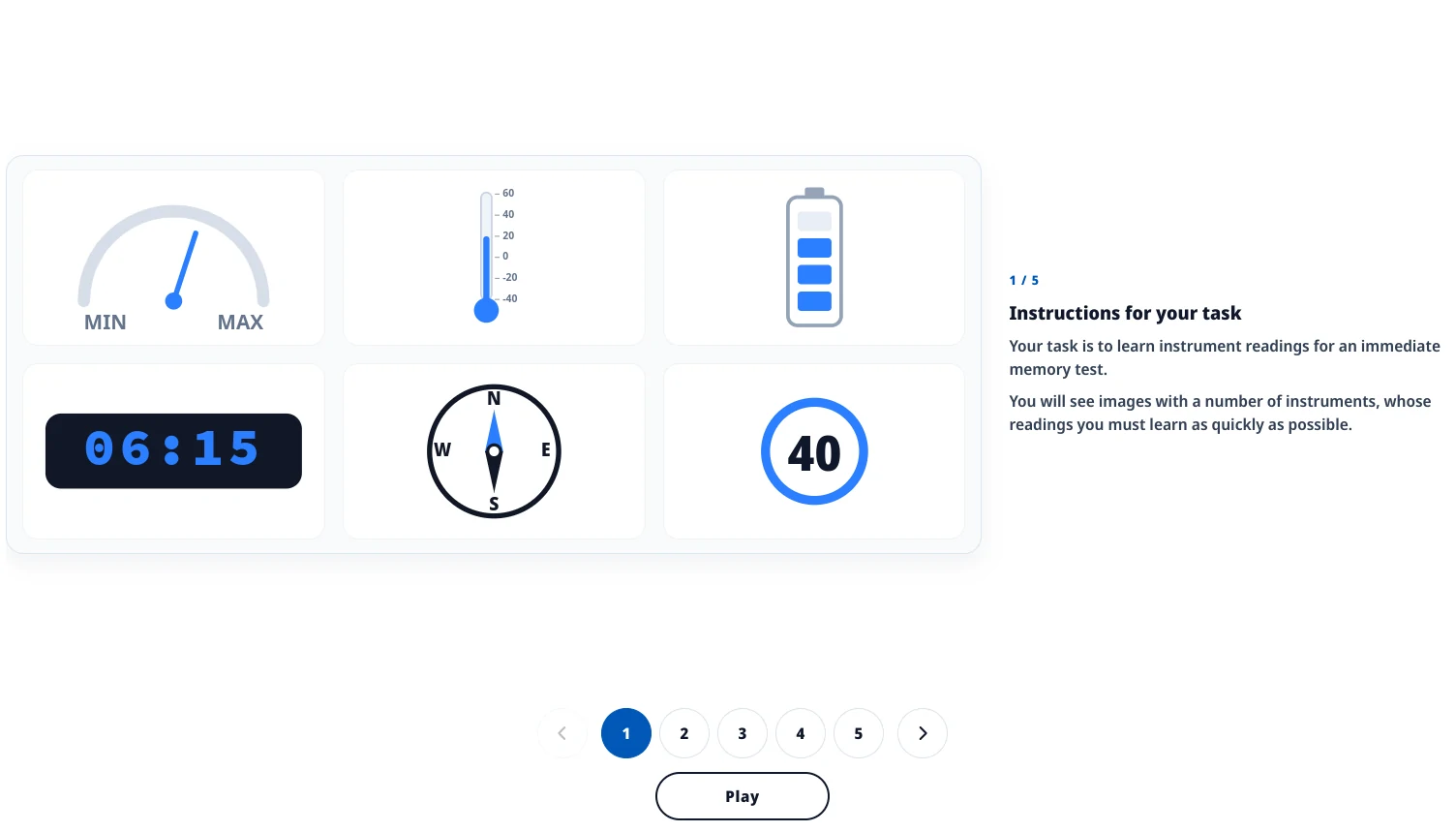
The walkthrough keeps the panel on the left and the explanation on the right.
What is on the panel
The mix is what makes this different from holding a sequence of boxes or a grid of pictograms. A round can put a MIN/MAX gauge next to a thermometer, a battery, a digital clock, a compass, and a speed dial, and those things do not encode the same way. The clock is a time, the compass is a heading, the battery is a count of bars, and the thermometer has a scale that is not the same every round, so reading the height of the blue fill without looking at the numbers will get you into trouble later.
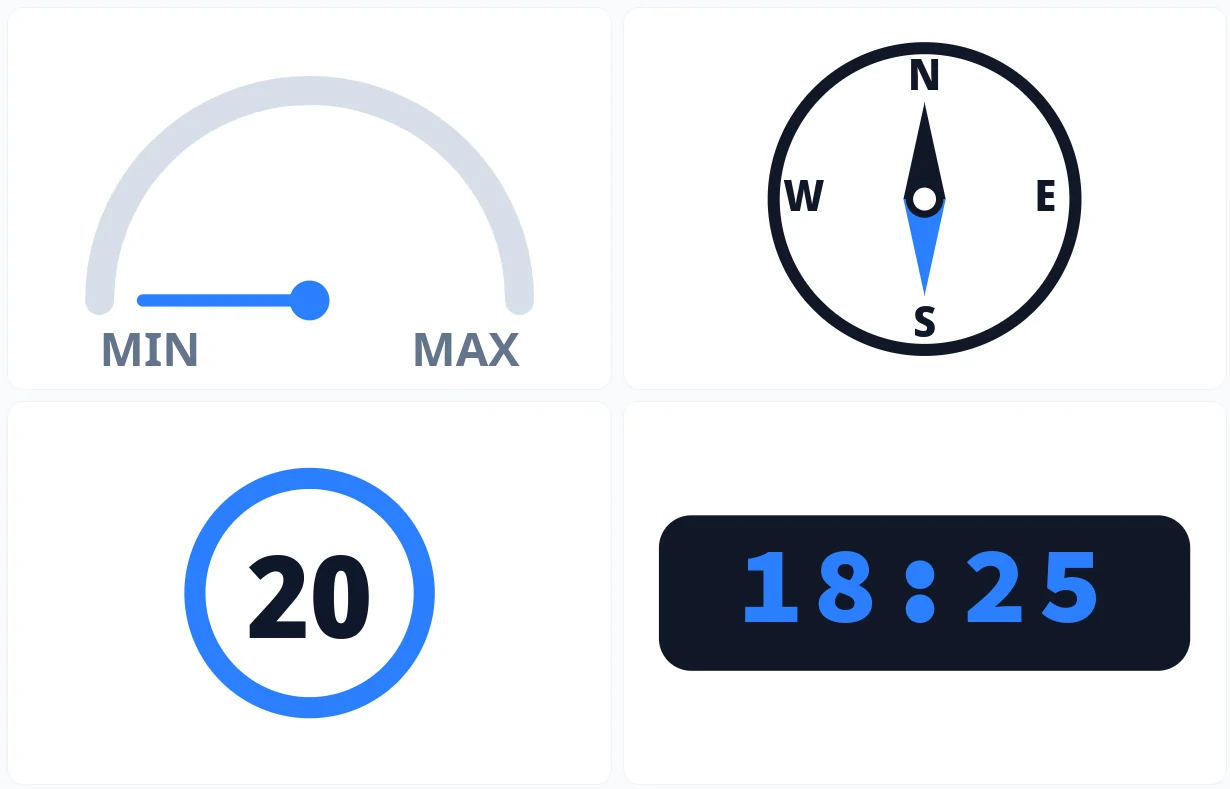
Four instruments on one study screen. Higher levels put five or six on the panel at once.
Because the recall asks about each instrument separately, it is not enough to remember a vague picture of the whole board. You have to keep the pairing: this heading belonged to the compass, that time belonged to the clock. Naming the readings while the panel is still up is slower than glancing, but it is the thing that still works after the image has disappeared.
What gets tighter
The first setting uses four instruments and twelve seconds on both the study screen and each recall, with a pause after the answer so you can see if you were right. From there the panel grows to five instruments and then to all six, the windows drop to ten seconds and then eight, and the number of rounds goes up. The last setting keeps six instruments and the short windows, but it does not stop after each click, so the next instrument is already there. That last one is the Test setting in the suite, and it is the closest to sitting the task without a green or red box after every answer.
The misses we see most often are mixing two instruments that happened to show a similar number, treating the thermometer as if the scale never changes, and spending so long on the first recall that the later ones time out. A late answer is still a wrong answer, and the options sit close to the true reading on purpose.
Trying it
It lives with the other FEAST I modules in the FEAST Preparation Suite, with scores kept the same way as the rest of the suite. If you want the first setting without a subscription, it is in free FEAST training. Written instructions are on the Remember Instrument Readings page, and the wider map of the battery is still in FEAST modules explained.
Train with Simulator Software for FEAST
Train FEAST I, FEAST II, and FEAST III skills in the FEAST Preparation Suite with all difficulty levels, TEST mode, statistics, and candidate comparison.
We already had Memorize Pictograms and Memory Competence for holding shapes and sequences. This one is for holding several kinds of reading at the same time, then pulling them back after the panel is gone.
Related Blog Posts
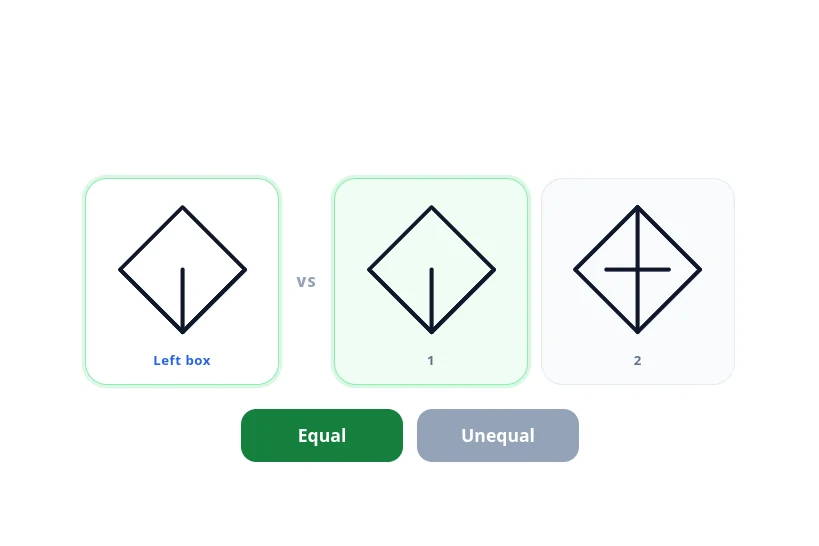
New FEAST Module: Scan And Compare Figures Is Now Available
Scan And Compare Figures is now in the FEAST Preparation Suite. Compare the left figure with the fig...
Read More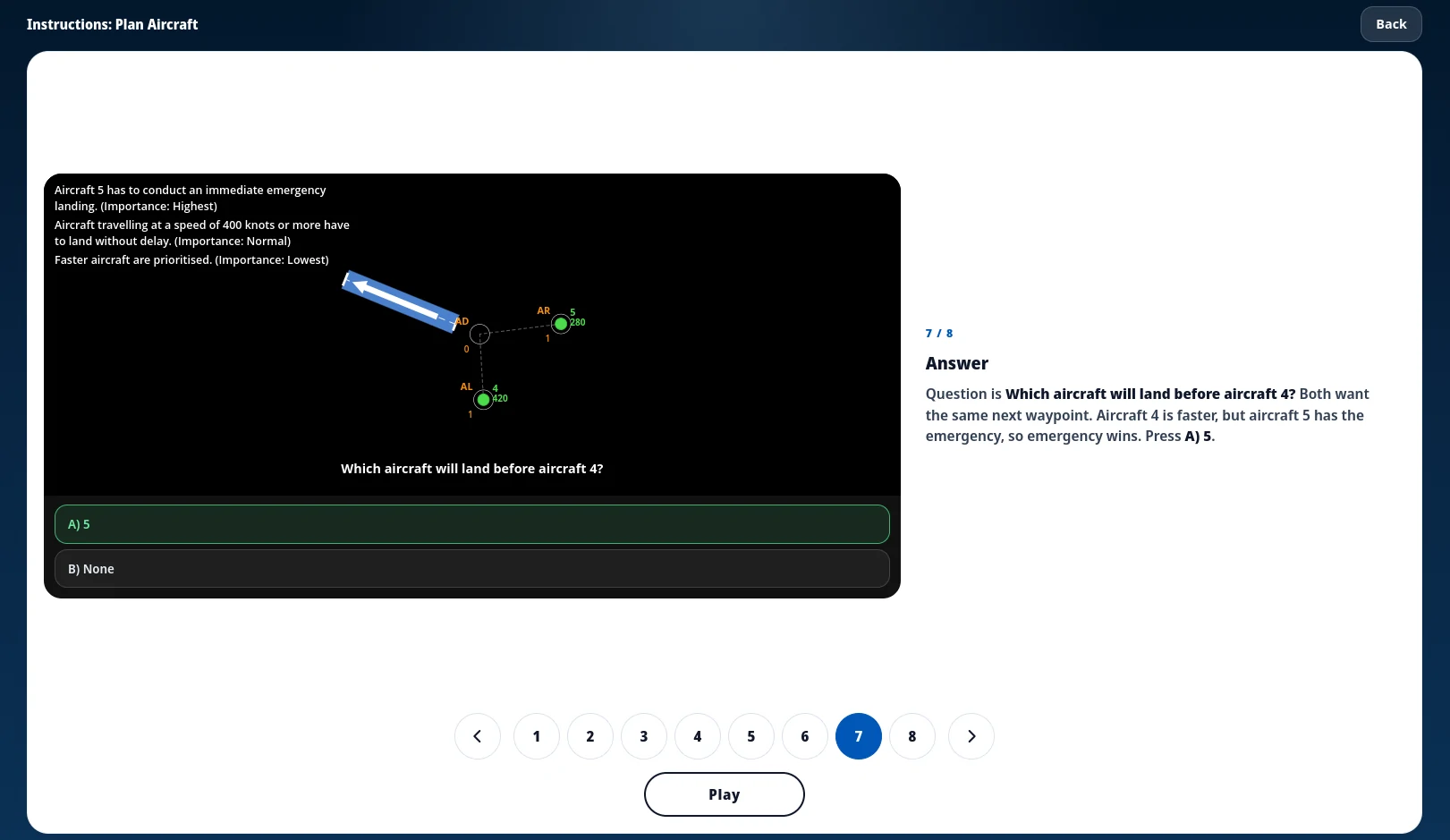
Every FEAST I Game Now Starts With Instructions
FEAST I modules now open with a short walkthrough of the board before the timed round, and the same ...
Read More
How to Become an Air Traffic Controller (2026 Guide)
How to become an air traffic controller in 2026: eligibility, age limits, selection tests, and train...
Read More